

We may earn a commission when you buy through links on this page, at no extra cost to you. Learn more.
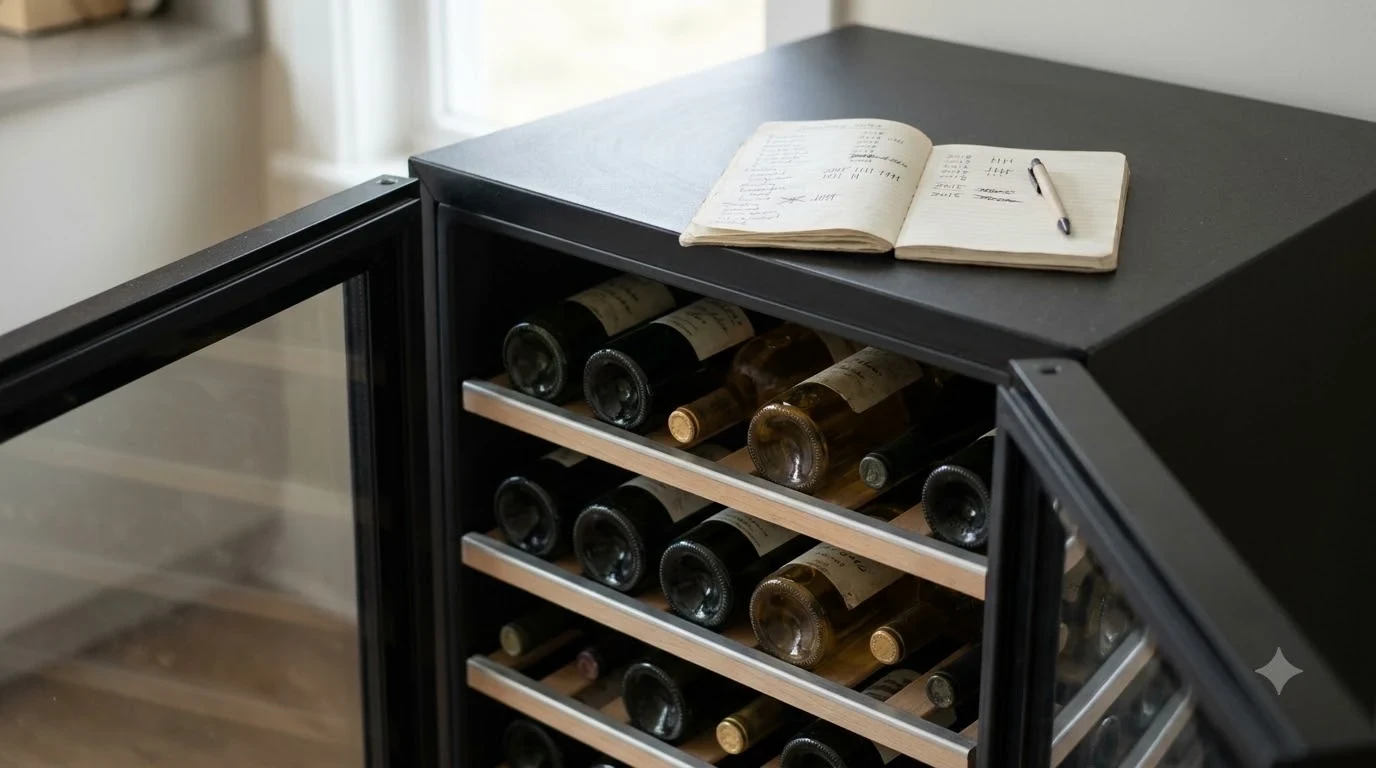
To learn how to reset whynter wine fridge controls, unplug the refrigerator, allow a short pause, and reconnect it to a working electrical outlet. This basic power cycle can clear a temporary control or operating interruption, including some problems following a power outage. However, it is not necessarily a factory reset, and the correct procedure depends on your specific Whynter model. Check the temperature settings and cooling operation after restarting.
A Whynter wine refrigerator helps maintain consistent storage conditions for bottles that need protection from temperature fluctuations. When its display becomes unresponsive, the compressor stops operating normally, or the cabinet no longer reaches its selected temperature, restarting the appliance is a reasonable first troubleshooting step. The important distinction is between restarting the electrical system and resetting the refrigerator’s programmed settings. Understanding that difference helps prevent unnecessary adjustments and makes it easier to recognize when a problem needs professional attention.
What a Whynter Wine Fridge Reset Actually Does
A reset usually refers to restarting the refrigerator’s electrical system rather than restoring every setting to its original factory condition. Disconnecting power gives the electronic controls an opportunity to shut down before the appliance starts again. This can help with temporary display problems or control interruptions, but it cannot repair a defective component.
Whynter offers several wine refrigerator configurations, including single-zone and dual-zone appliances. Its official catalog, for example, lists the PRW-460-DZ, a 46-bottle dual-zone model, and the PRW-540-WN, a 54-bottle model. Their different configurations are a good reason not to assume that every Whynter refrigerator uses the same control sequence. A power cycle is a useful general starting point, but a factory reset or special button combination should follow the instructions for the exact model.
There are three different procedures owners sometimes confuse:
- Power cycle: Disconnecting the appliance from electricity and reconnecting it to restart its electronic controls.
- Temperature adjustment: Changing the selected storage temperature without restarting the refrigerator.
- Factory reset: Returning programmable settings to predetermined values through a model-specific procedure, if the appliance supports one.
For most ordinary operating interruptions, begin with the power cycle. Avoid experimenting with combinations of temperature buttons, light controls, or other panel buttons unless the owner’s manual specifically identifies them as a reset procedure.
Tip: Photograph the control panel before disconnecting power. This gives you a record of the original temperature settings, particularly useful on a dual-zone refrigerator with separate upper and lower compartments.
How to Reset a Whynter Wine Fridge Step by Step
The safest general restart procedure is to disconnect the refrigerator from its electrical supply, wait briefly, and reconnect it. Follow these steps for a basic power cycle, while using your model’s manual for any additional instructions.

Step 1: Record the current settings
Before touching the controls, note the displayed temperature for each compartment. A single-zone refrigerator has one primary temperature setting, while a dual-zone model has separate settings for its two storage areas. Recording both readings makes it easier to identify a setting that changes during the restart.
Also note any unusual behavior. For example, write down whether the display is blank, whether an error code appears, whether the interior light works, or whether the compressor seems to be running continuously. These observations can help distinguish a temporary interruption from a continuing mechanical or electrical fault.
Step 2: Turn off the refrigerator
If the control panel has a clearly identified power button, use it according to the operating instructions. Otherwise, disconnect the appliance from the electrical supply using its plug. Do not pull on the cord itself; hold the plug when disconnecting it.
Make sure your hands are dry and that the electrical connection is accessible. If the plug, outlet, or cord appears damaged, do not continue with the restart. An electrical problem should be inspected before the appliance is used again.
Step 3: Allow the controls to shut down
Leave the refrigerator disconnected for several minutes. This gives the electronic control system time to power down completely. There is no universal Whynter factory-reset waiting period that applies to every model, so avoid treating a particular number of minutes as an official manufacturer specification.
Do not repeatedly reconnect and disconnect the appliance during this interval. A compressor refrigerator may need time between operating cycles, and rapid switching is not a good way to troubleshoot it.
Step 4: Reconnect the refrigerator
Plug the refrigerator into a suitable, functioning electrical outlet. Check whether the display illuminates and whether the appliance responds to its normal controls. If the refrigerator has a separate power switch, operate it according to the manual.
Listen for normal operating sounds, but do not assume that the compressor must start immediately. Some refrigeration systems use a protective delay before restarting. The timing and behavior depend on the appliance’s design.
Step 5: Check the temperature settings
Look at the control panel and compare its readings with the settings you recorded before restarting. If the values have changed, use the normal temperature-adjustment instructions to restore the desired settings. On a dual-zone refrigerator, check both compartments independently.
Keep the door closed while the refrigerator returns to its operating temperature. Frequent opening introduces warm air and makes it harder to determine whether the restart has resolved the original problem.
What to Check After Restarting the Refrigerator
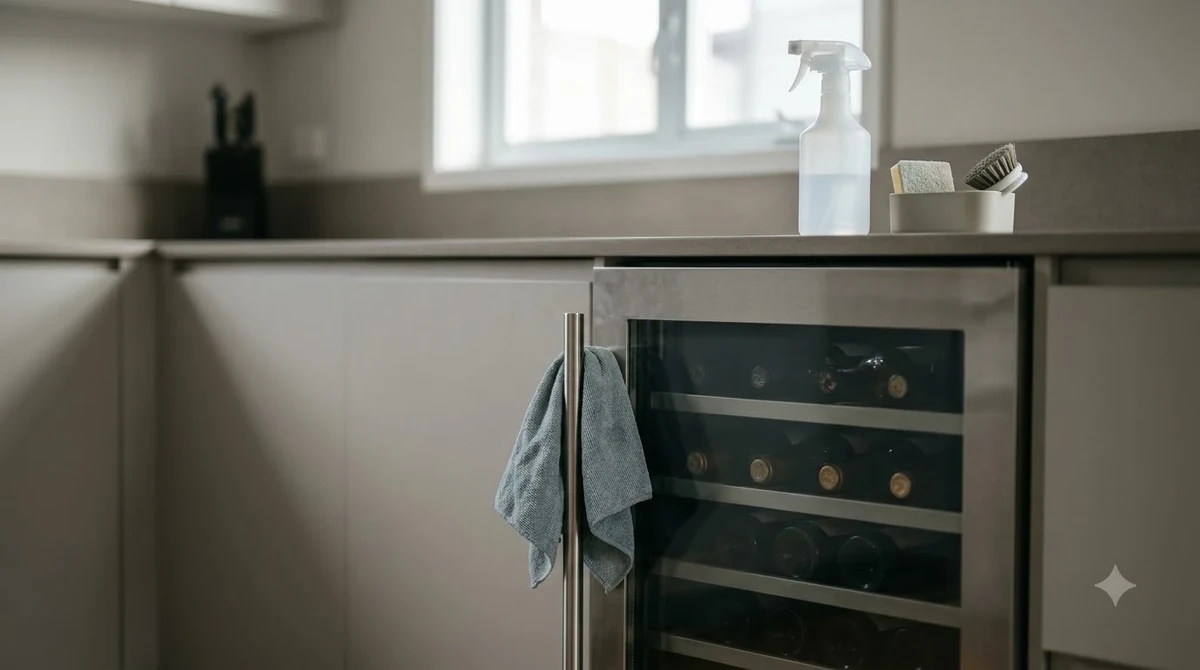
A successful restart means more than seeing the display turn on. The refrigerator should respond to its controls, operate normally, and gradually return toward its selected storage temperatures. Check its electrical operation, ventilation, and temperature readings before deciding that the problem is resolved.
Check the display and control panel
The first indication of a successful power cycle is usually a responsive display. Make sure the temperature numbers are visible and that the controls accept ordinary adjustments. If the panel remains dark, check the electrical outlet and plug before assuming that the control board has failed.
If the display shows an unfamiliar code, record the exact characters. Do not assume that all Whynter models use identical error-code definitions. The owner’s manual is the appropriate place to identify a code and determine the next step.
Inspect ventilation and cabinet placement
Cooling performance depends on the refrigerator being able to release heat. Make sure ventilation openings are not blocked by furniture, stored objects, dust, or other obstructions. Built-in and freestanding models may have different ventilation requirements, so the installation instructions matter.
Also check that the appliance stands level and that its door closes properly. A door that does not seal can allow warm air to enter continuously. This can make the refrigerator appear to have a cooling fault even though its controls are operating.
Allow time for temperature recovery
A wine refrigerator does not necessarily return to its selected temperature immediately after being restarted. The cabinet, shelves, and bottles all need time to cool. A refrigerator that has been switched off for several hours may need substantially longer to stabilize than one that experienced a brief interruption.
Check the displayed temperature periodically rather than opening the door repeatedly. If the reading is moving gradually toward the set temperature, the appliance may simply be recovering. If it remains unchanged or moves in the wrong direction after a reasonable recovery period, investigate the cooling system.
| Observation | What it may indicate | Next step |
|---|---|---|
| Display turns on normally | Electrical supply and controls are responding | Check settings and cooling |
| Display remains blank | Power supply or control problem | Check outlet and electrical connection |
| Temperature gradually decreases | Normal temperature recovery | Continue monitoring |
| Temperature remains unchanged | Possible cooling-system problem | Inspect ventilation and request service |
| Unusual error code appears | Possible sensor or system fault | Record code and consult the manual |
| Breaker trips repeatedly | Possible electrical fault | Disconnect and contact a technician |
Resetting Single-Zone and Dual-Zone Whynter Models
The basic electrical restart is similar for single-zone and dual-zone refrigerators, but checking their temperature controls is different. Identifying the refrigerator’s configuration before making adjustments helps prevent one compartment from being left at an unsuitable setting.
Single-zone wine refrigerators
A single-zone refrigerator uses one primary temperature setting for its storage compartment. After restarting, compare the displayed temperature with the original value and restore it if necessary. Make sure bottles are not obstructing the internal circulation of air.
Whynter’s catalog includes single-zone wine refrigerators in different capacities, such as the 54-bottle PRW-540-WN. Capacity and cabinet dimensions do not establish the reset procedure, however. Use the model number to locate the correct documentation before attempting any special control-panel sequence.
Dual-zone wine refrigerators
A dual-zone refrigerator maintains two temperature settings, typically allowing different storage conditions in its upper and lower compartments. After a power cycle, check both displays rather than assuming that one reading represents the entire cabinet.
For example, Whynter lists the PRW-460-DZ as a 46-bottle dual-zone refrigerator. A restart should be followed by checking the temperature selection for each zone and confirming that the appropriate controls respond independently.
Do not assume that a setting displayed for the upper compartment automatically applies to the lower compartment. Follow the control-panel instructions for switching between zones, adjusting their temperatures, and confirming the selected values.
For either configuration, avoid changing multiple settings at once. Restore the original values first, then monitor the appliance. This makes it easier to determine whether a temperature problem is caused by an incorrect setting or by a cooling-system fault.
Common Problems That a Power Reset Cannot Fix
A power cycle can address a temporary interruption, but it cannot correct every reason a wine refrigerator stops cooling. If the same symptoms return after restarting, look for problems involving electricity, airflow, temperature sensing, or refrigeration components.
The refrigerator has power but does not cool
A working display does not prove that the refrigeration system is functioning correctly. The appliance may have a problem with its fan, temperature sensor, compressor, or another cooling component. First confirm that the selected temperature is appropriate and that ventilation is unobstructed.
If the cabinet continues to warm despite normal control-panel operation, a technician may need to inspect the refrigeration system. Our troubleshooting article on Whynter wine fridge not cooling covers additional symptoms and possible causes.
The display will not turn on
A blank display may result from a disconnected plug, an unsuitable outlet, a tripped circuit, or an internal electrical problem. Check the outlet using an appropriate method and inspect the accessible power cord for visible damage.
If the outlet works but the refrigerator remains unresponsive, the problem may involve an internal power supply or control board. Do not remove electrical covers or attempt to repair internal wiring yourself.
The refrigerator makes unusual noises
Some operating sounds are normal, including compressor operation and occasional fan noise. However, persistent rattling, grinding, or unusually loud buzzing deserves attention, especially if cooling performance has also deteriorated.
Check that the cabinet is level and that bottles, shelves, and nearby objects are not vibrating against one another. If the noise continues or appears to come from an internal mechanical component, request professional inspection.
The refrigerator repeatedly stops and starts
Frequent cycling can have several causes, including environmental conditions, poor ventilation, a temperature-control issue, or a refrigeration fault. A restart alone is unlikely to solve a recurring pattern.
Record when the cycling occurs, whether the cabinet reaches its set temperature, and whether any error code appears. This information gives a service technician a clearer starting point.
How to Find the Correct Whynter Reset Instructions
The most reliable way to identify a model-specific reset procedure is to locate the refrigerator’s owner’s manual. Whynter maintains separate product-support resources for current and discontinued appliances, making the model number especially important.
Locate the model number
Look for the identification label on the refrigerator. Depending on the model, it may be attached to the rear, side, or another accessible cabinet area. Record the complete model designation rather than relying on the product’s advertised capacity or appearance.
Two refrigerators with similar dimensions can have different control panels and electronic systems. A model number helps distinguish them and reduces the risk of following instructions intended for another appliance.
Search Whynter’s official support resources
Open the official Whynter Product Support page and search using the complete model number. The manufacturer provides product resources, manuals, specifications, and downloads through this section. Its support categories also include Wine & Beverage products.
If the refrigerator is discontinued, use Whynter’s Legacy Product Support page. This section provides access to documentation and archived information for older products. It is particularly useful if the refrigerator is no longer listed among current models.
Check the manual before attempting a factory reset
Look for sections covering operation, temperature controls, power interruptions, troubleshooting, and error codes. If the manual describes a specific reset procedure, follow its instructions in the stated order.
If the documentation only explains normal operation and does not identify a factory-reset sequence, do not invent one. Contact Whynter support and provide the model number, serial number, and a description of the problem.
For additional troubleshooting options, see our guides to Whynter wine fridge repair and Brand Troubleshooting. These resources can help distinguish a simple operating interruption from a fault that requires service.
How to Prevent Repeated Wine Refrigerator Problems
Regular attention to placement, ventilation, door operation, and temperature settings can reduce avoidable operating problems. Good maintenance also makes it easier to recognize when a refrigerator is behaving differently from its normal operating pattern.
Keep ventilation openings clear
Leave the required clearance around the refrigerator according to its installation manual. A freestanding unit and a built-in unit may have different airflow requirements, so do not assume that the same installation arrangement works for both.
Remove accessible dust from ventilation areas carefully and avoid pushing the refrigerator tightly against surfaces that obstruct its intended airflow. If the appliance is installed beneath a counter, confirm that the cabinet opening matches the manufacturer’s requirements.
Maintain stable temperature settings
Avoid making frequent temperature changes without a reason. Once the refrigerator reaches its intended operating temperature, allow it to maintain that setting rather than continually adjusting the controls.
On a dual-zone model, keep a written record of the upper and lower settings. This is useful after a power interruption, cleaning session, or troubleshooting procedure.
Limit unnecessary door openings
Every time the door opens, warmer room air enters the cabinet. Frequent openings can slow temperature recovery and make the compressor operate more often. Organize bottles so that the door can remain open for as little time as possible.
Inspect the door seal periodically for visible dirt or damage. A door that closes incompletely can undermine temperature consistency even when the control panel appears to work normally.
Monitor unusual operating behavior
Pay attention to changes in operating noise, display behavior, and temperature stability. A gradual change can provide an early indication that the appliance needs cleaning, adjustment, or professional attention.
Keep the model number and owner’s manual accessible. If a problem occurs, having the documentation available makes it easier to identify the correct controls and communicate the issue to customer support.
Frequently Asked Questions
Does a Whynter wine fridge have a dedicated reset button?
Not every Whynter wine refrigerator has a dedicated reset button. The available controls depend on the model and its electronic design. Use the owner’s manual to determine whether your particular appliance has a designated reset function rather than assuming that a combination of control buttons will work.
Can a Whynter wine fridge recover automatically after a blackout?
Some refrigerators resume their previous operation when electrical power returns, but the exact behavior depends on the model. Check the display, temperature settings, and cooling operation after a blackout. A refrigerator that does not restart normally may need troubleshooting or manufacturer assistance.
Can I move my Whynter wine refrigerator immediately after unplugging it?
Disconnecting the appliance does not automatically make it ready for transportation. Follow the manufacturer’s moving instructions, particularly for compressor-based models. If the refrigerator has been tilted or transported, consult its manual for the required upright settling period before reconnecting it.
Will opening the door affect the temperature after a reset?
Yes. Opening the door introduces room-temperature air into the cabinet and can temporarily increase the displayed temperature. A heavily loaded refrigerator may also take longer to stabilize because its bottles and shelves need to return to the selected storage conditions.
What information should I provide when requesting Whynter technical support?
Provide the complete model number, serial number, and a description of the symptoms. Include any error code, the displayed temperatures for both zones if applicable, and whether the appliance experienced a power interruption. These details help support staff identify the correct documentation and determine what troubleshooting steps are appropriate.
A Whynter wine refrigerator that has stopped responding may only need a straightforward power cycle, but repeated problems should not be treated as routine resets. Record the original settings, restart the appliance carefully, and monitor both the display and actual cooling performance. If the refrigerator remains unresponsive or fails to maintain its selected temperature, use the model-specific manual and arrange qualified service rather than repeatedly disconnecting the power.
More in Storage & Fridge Care
 How Long Can You Store Wine in a Wine Fridge? Protect Bottle QualityUpdated Nov 20, 2026
 Can You Store Beer in a Wine Fridge? Keep Both Drinks FreshUpdated Nov 20, 2026
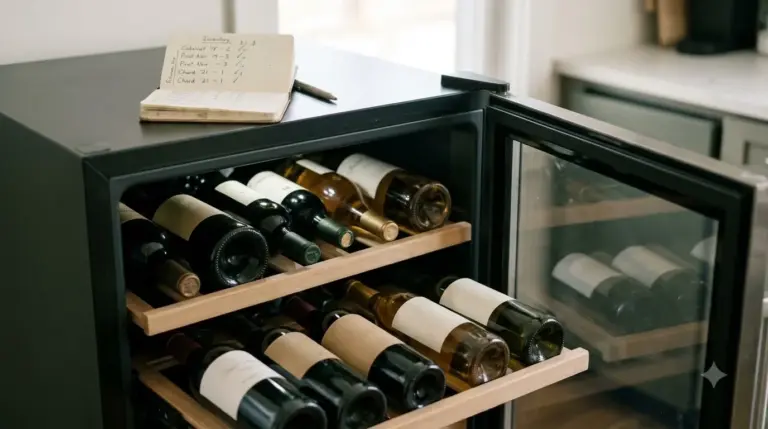 Is It Worth Repairing a Wine Fridge? Spot the Cheap Fixes Before You ReplaceUpdated Nov 20, 2026
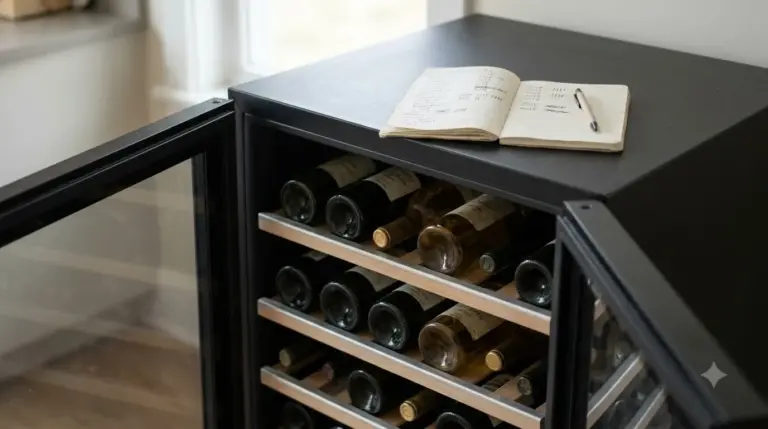 Wine Fridge Condensation: Identify Causes and Fix Moisture ProblemsUpdated Nov 20, 2026
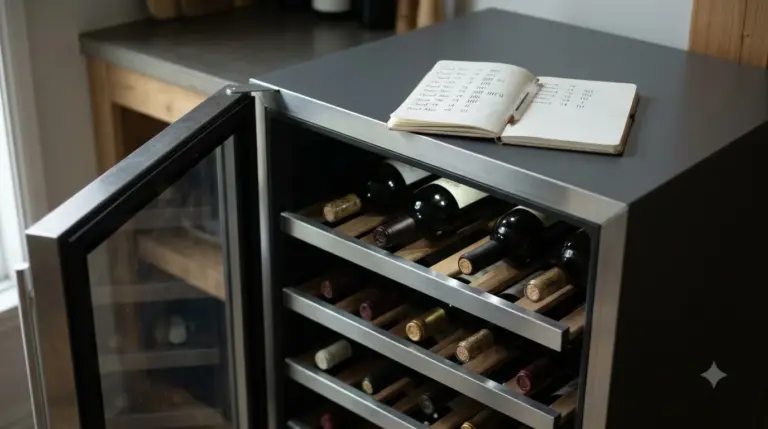 Wine Fridge Too Cold: Protect Your Wine and Fix the TemperatureUpdated Nov 20, 2026
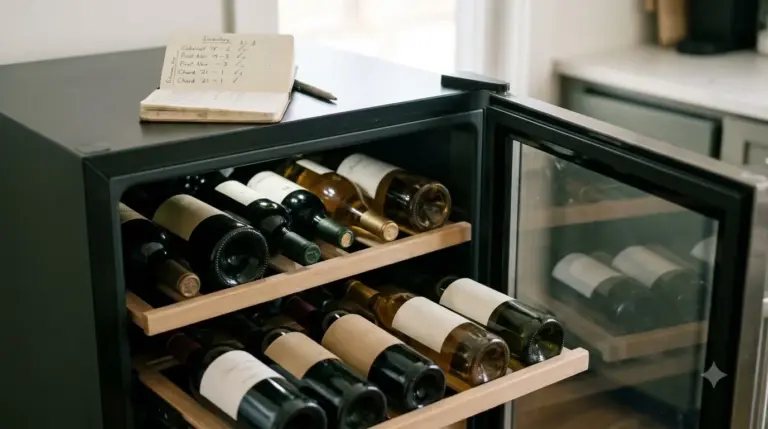 How to Reset Wine Fridge: Restore Cooling and SettingsUpdated Nov 20, 2026