

We may earn a commission when you buy through links on this page, at no extra cost to you. Learn more.
Marvel wine fridge repair usually starts with checking the temperature setting, power supply, door seal, and front ventilation grille before assuming an internal part has failed. Many cooling complaints come from blocked airflow, a door left slightly open, or a cabinet that has not had enough time to reach its new setting. Sensor faults, repeated loss of cooling, and electrical problems require a different response and should be handled by a qualified appliance technician.
A Marvel wine cooler is a precision storage appliance, but its controls and service procedures vary by model and generation. The safest troubleshooting sequence is to identify the exact unit, work through the checks the owner’s guide permits, and record what the display and cabinet are doing before arranging service.
Identify the Marvel Model Before Troubleshooting
Marvel has produced several wine-cooler families, and a procedure for one control panel may not apply to another. The manufacturer’s wine refrigerator guide covers specific ML15 and ML24 model families, including single-zone and dual-zone versions, while older 6SWCE and refrigerated-wine-chiller manuals describe earlier controls and different service-label locations.
Find the model number, serial number, and service number before changing settings or contacting support. On the ML15 and ML24 family covered by the wine guide, the serial plate is inside the cabinet on the left side near the top. Older Marvel manuals may place the identification plate on the lower front cabinet flange or another liner location, so use the diagram for the actual model rather than assuming every label is in the same spot.
Note whether the cabinet is single-zone or dual-zone, built in or freestanding, and glass-door or panel-ready. Photograph the control panel and rating plate, and record the display wording. A fault immediately after installation may point to ventilation, leveling, or power; a later change may involve the door seal, sensor, fan, or refrigeration system. The wine storage-care troubleshooting guide can help separate a storage concern from an appliance fault, but the Marvel manual should govern repairs.
Check Power and Controls Without Opening the Cabinet
A Marvel wine fridge that will not start should be checked at the controls and household supply, not by opening an electrical panel. For the ML15 and ML24 models in its owner guide, Marvel specifies a grounded 115-volt, 15-amp dedicated circuit and warns against extension cords, adapters, or removing the grounding prong.
Confirm that the cord is seated and the outlet and house circuit have power. If the breaker has tripped, reset it only once; a repeat trip, hot plug, burning smell, or damaged cord means stop and call a professional. Never defeat the ground connection or use an extension cord.
Confirm that the appliance is on and the control panel is awake. A control lock can prevent set-point changes; on the ML15/ML24 electronic control, “Loc” means locked and “nLc” means that the control is not locked. Other generations use different keys, so do not copy another model’s sequence. An illuminated display also does not prove that the compressor or fans are running. Do not pull the unit from cabinetry or remove the toe grille to inspect moving parts.
Tip: Before a service call, take a short video of the display, note whether you can hear the compressor or fan, and write down the room and cabinet temperatures. These observations are more useful than repeatedly switching the cooler off and on.
Restore Cooling by Checking Temperature, Airflow, and Door Closure
A Marvel wine cooler that runs but does not reach its set point may need better airflow or more time to stabilize. The owner guide for the ML15 and ML24 families says stored contents can take up to 24 hours to stabilize after a set-point change, and identifies an obstructed bottom-front grille and a poorly sealing door gasket as causes of inadequate cooling.
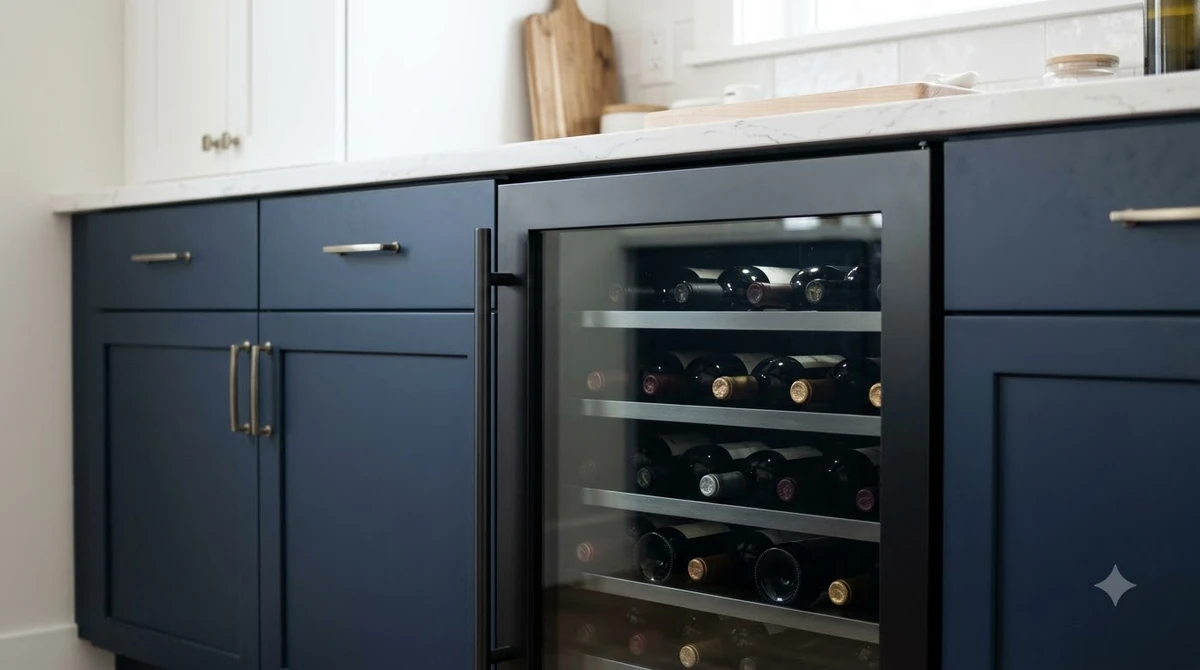
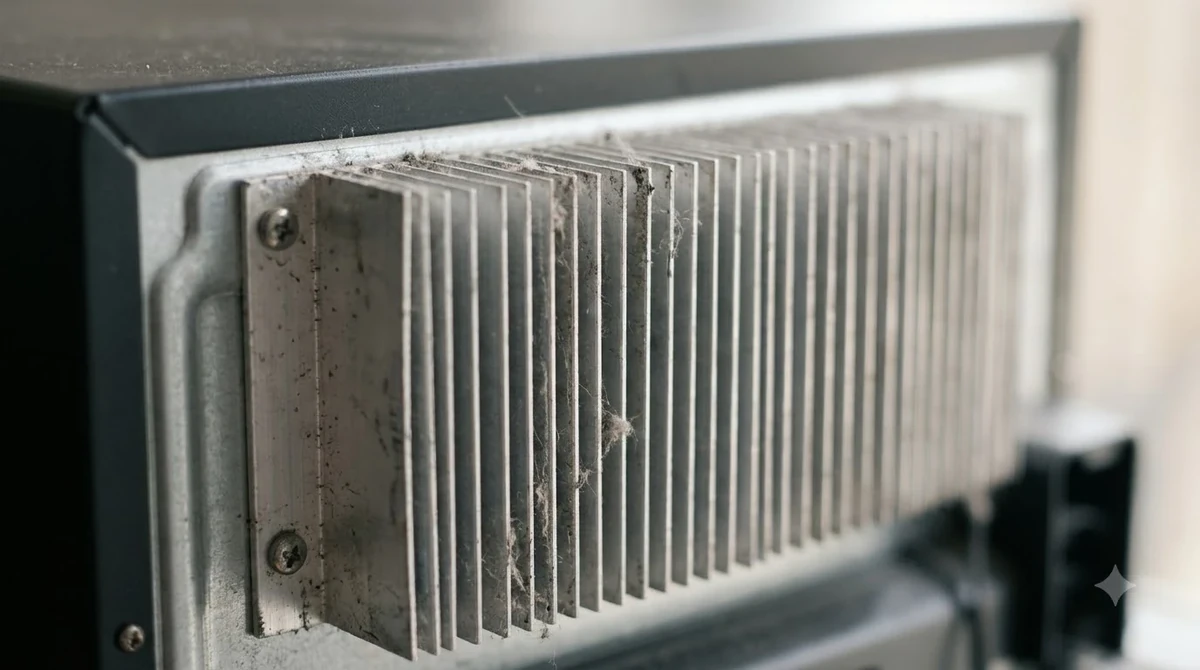
Start at the bottom-front grille. Marvel uses this opening to move air through the condenser heat exchanger, so a kick plate, rug, packaging, dust, or decorative panel that blocks the openings can reduce cooling capacity. Keep the grille clear and avoid a custom panel that restricts air. The same guide recommends a location away from direct sunlight and heat sources, with an ambient location range of 55°F to 100°F for the ML15/ML24 models it covers; use your own model’s guide for other series.
Check the set point before making an adjustment. Correct it using the buttons or dial described in the right manual, then leave the door closed and allow a full 24 hours for bottles and cabinet temperature to settle. Measure with a separate appliance thermometer near the center of the compartment, away from the rear wall and direct airflow. On a dual-zone unit, measure both compartments separately and compare each reading with its own set point; one reading cannot rule out a fault in the other zone.
Check for a bottle or shelf preventing closure, then inspect the gasket for folds, dirt, gaps, or separation. Clean the accessible sealing surface with a soft damp cloth and dry it. If the gasket is torn or fails to contact the cabinet around its perimeter, arrange the correct replacement rather than using tape.
| Check or alert | Specific figure | How to use it |
|---|---|---|
| Temperature recovery after a set-point change | Up to 24 hours | ML15/ML24 owner guide: allow contents to stabilize before judging the result. |
| Door-ajar alarm | More than 5 minutes | The covered electronic control begins the door warning after it is left open or not fully closed. |
| Door-ajar audible reminder | Every 60 seconds | Use the repeating tone with the flashing indicator to check door closure. |
| Recommended installation location | 55°F to 100°F | Applies to ML15/ML24 models in that owner guide, not every Marvel product. |
| Front-grille maintenance | Once or twice a year | The owner guide recommends brushing or vacuuming lint and dirt from the grille area. |
Interpret Alarms, Frost, and Temperature-Sensor Errors
Marvel alarms flag conditions that can affect storage temperature, but the meaning of a display depends on the control system. In the ML15/ML24 electronic-control guide, a door left open or not fully closed for more than 5 minutes triggers a flashing Door Ajar indicator and a tone every 60 seconds; extended door opening can also lead to a temperature alarm.
Close the door firmly, make sure no bottle or rack interferes, and see whether the door indicator clears. The Lock keypad can mute the audible portion for that occurrence on the covered control, but muting the tone does not correct the cause. If the indicator returns with the door closed, examine the gasket and alignment; a failed door switch or sensor is a service issue rather than a reason to keep resetting the alarm.
Record power-failure and temperature alarms even if normal operation returns. Marvel’s guide says a power-failure alert can remain relevant after the cabinet recovers because stored contents may have experienced a prolonged temperature excursion. Note the outage time, highest temperature observed, and how long the door was open so a technician can distinguish an ongoing refrigeration fault from recovery after an interruption.
Sensor faults and heavy frost are not ordinary temperature adjustments. Marvel’s guide says an open or shorted sensor circuit can trigger an error, and a failed defrost sensor can prevent proper defrosting and allow frost to build enough to overwhelm the drain with meltwater. For the specific defrost-sensor error described in that guide, Marvel directs the owner to unplug the appliance immediately and call service. That differs from the guide’s separate warning for a general loss of cooling: in that situation, it says not to unplug the unit and to call a qualified technician immediately, because accumulated ice can melt and overwhelm the drain if power is removed without managing runoff. Follow the exact action listed for your model; if the display does not identify the fault clearly, contact service before switching power or attempting a manual defrost.
Address Noise, Vibration, Condensation, and Door Problems
Not every sound or wet surface means the sealed refrigeration system has failed. Older Marvel troubleshooting manuals list an unlevel cabinet or weak floor as causes of noise and vibration, while the ML15/ML24 guide also identifies a fan striking an obstruction as a reason to contact a qualified technician.
Check that the cabinet sits firmly and does not rock when the door opens. If it is out of level, follow the installation guide and protect the floor; do not tilt a loaded cooler alone. A rattling bottle or shelf can also create noise. Persistent scraping, buzzing, or fan-blade noise should be inspected by a technician, not investigated through the grille.
Moisture inside can follow frequent door openings, a poor seal, or humid room conditions. Reduce openings, close the door fully, and dry standing water. Exterior condensation can also occur in hot, humid weather; an older Marvel troubleshooting chart notes it may disappear as humidity falls. Pooling water or heavy frost calls for service.
Door alignment matters because a small gap can make the compressor run longer and allow temperature swings. Inspect both sides for even spacing, then look for a shelf or oversized bottle that prevents closure. Do not adjust an articulating hinge or remove a built-in door panel unless the exact installation manual describes the process. If the door drops, rubs, or will not stay aligned after basic loading checks, ask a technician familiar with that hinge design.
Know When to Request Professional Marvel Wine Fridge Service
Owner troubleshooting should stop when the likely fault involves wiring, a control board, compressor, fan motor, thermistor, evaporator, or sealed refrigeration system. Marvel’s service manual has dedicated procedures for these components, including resistance checks, access panels, and compressor or condenser work; those procedures are service documentation, not a reason to attempt a repair without the required training and tools.
The distinction matters for electrical safety. Marvel’s owner guide warns that turning the appliance control to OFF does not remove electrical power from the unit’s wiring and says power must be disconnected before maintenance or repair. Do not remove access panels, probe wiring, bypass a sensor, or test a compressor yourself. If the unit has lost cooling, follow the specific loss-of-cooling warning and call a qualified technician rather than using the control switch as an electrical disconnect.
Prepare a service record with the model number, serial number, service number, purchase details, installation type, zone configuration, exact display code, and a description of when the problem began. Add the room temperature, actual cabinet temperatures, whether the compressor or fan appears to run, and any recent power interruption. Marvel’s owner guide specifically asks customers to describe the problem, how long the appliance has been running, and the room temperature.
Use Marvel’s product support request page for a serial-number lookup and service-locator guidance; do not assume every repair or sealed-system part is covered. For model-specific controls and clearances, consult the Marvel wine refrigerator owner’s guide. Other brands use different alarms; compare Allavino wine fridge repair, Zephyr wine fridge repair, and Haier wine fridge repair for brand-specific guidance.
Frequently Asked Questions
These answers clarify a few model-specific operating conditions that can look like a fault. Confirm the model number before applying a setting, frost threshold, or moving instruction to a different Marvel cabinet.
Can a Marvel wine cooler be used as a regular refrigerator?
No. Marvel’s wine refrigerator guide says these appliances are designed exclusively for wine storage and cannot reach temperatures required for fresh-food refrigeration. Use an appliance intended for food rather than relying on a wine cabinet as a spare refrigerator.
How long should a Marvel cooler stand before it is plugged in after being moved?
For the ML15/ML24 owner-guide models, Marvel says a unit shipped, handled, or stored in a position other than upright should remain upright for at least 24 hours before it is plugged in. This allows compressor oil to return to its intended location. Follow the exact model instructions and use at least two people to move the appliance.
What does “SH” mean on a Marvel MLBV024-SG01A display?
On the MLBV024-SG01A manual listed by FridgeDocs, “SH” indicates Showroom Mode, in which the display and interior light can work while the compressor and fans remain off. The manual’s exit sequence uses a 5-second press-and-hold of ON/OFF; “EH” appears briefly for about 2 seconds when normal operation returns. Do not use this sequence on another model unless its manual confirms it.
When is frost buildup too heavy to ignore?
The MLBV024-SG01A operating instructions state that minor frost can melt during normal off cycles and identify buildup of 1/4 inch (6 mm) or more as the point for manual defrosting on that model. Do not transfer this threshold automatically to every Marvel wine cooler. Never chip ice with a knife or other sharp object, and contact service if frost returns quickly or a defrost-sensor fault appears.
Can a built-in Marvel wine cooler be pulled out for a quick inspection?
Do not pull a built-in cabinet out casually, especially if it is secured by an anti-tip device or connected to a fitted door panel. Marvel’s installation instructions require the supplied anti-tip bracket for freestanding installations and warn that moving the product can involve excessive weight. Ask an installer or appliance technician to handle removal when mounting, wiring, or cabinetry makes access uncertain.
The most effective Marvel wine fridge repair process begins with the correct model information and a few controlled checks: power, controls, front airflow, temperature recovery, and door closure. Stop when the symptoms point to a sensor, fan, electrical, or sealed-system fault, and give a service provider the readings and alarm details you recorded.
More in Storage & Fridge Care
 How Long Can You Store Wine in a Wine Fridge? Protect Bottle QualityUpdated Nov 20, 2026
 Can You Store Beer in a Wine Fridge? Keep Both Drinks FreshUpdated Nov 20, 2026
 Is It Worth Repairing a Wine Fridge? Spot the Cheap Fixes Before You ReplaceUpdated Nov 20, 2026
 Wine Fridge Condensation: Identify Causes and Fix Moisture ProblemsUpdated Nov 20, 2026
 Wine Fridge Too Cold: Protect Your Wine and Fix the TemperatureUpdated Nov 20, 2026
 How to Reset Wine Fridge: Restore Cooling and SettingsUpdated Nov 20, 2026