

We may earn a commission when you buy through links on this page, at no extra cost to you. Learn more.
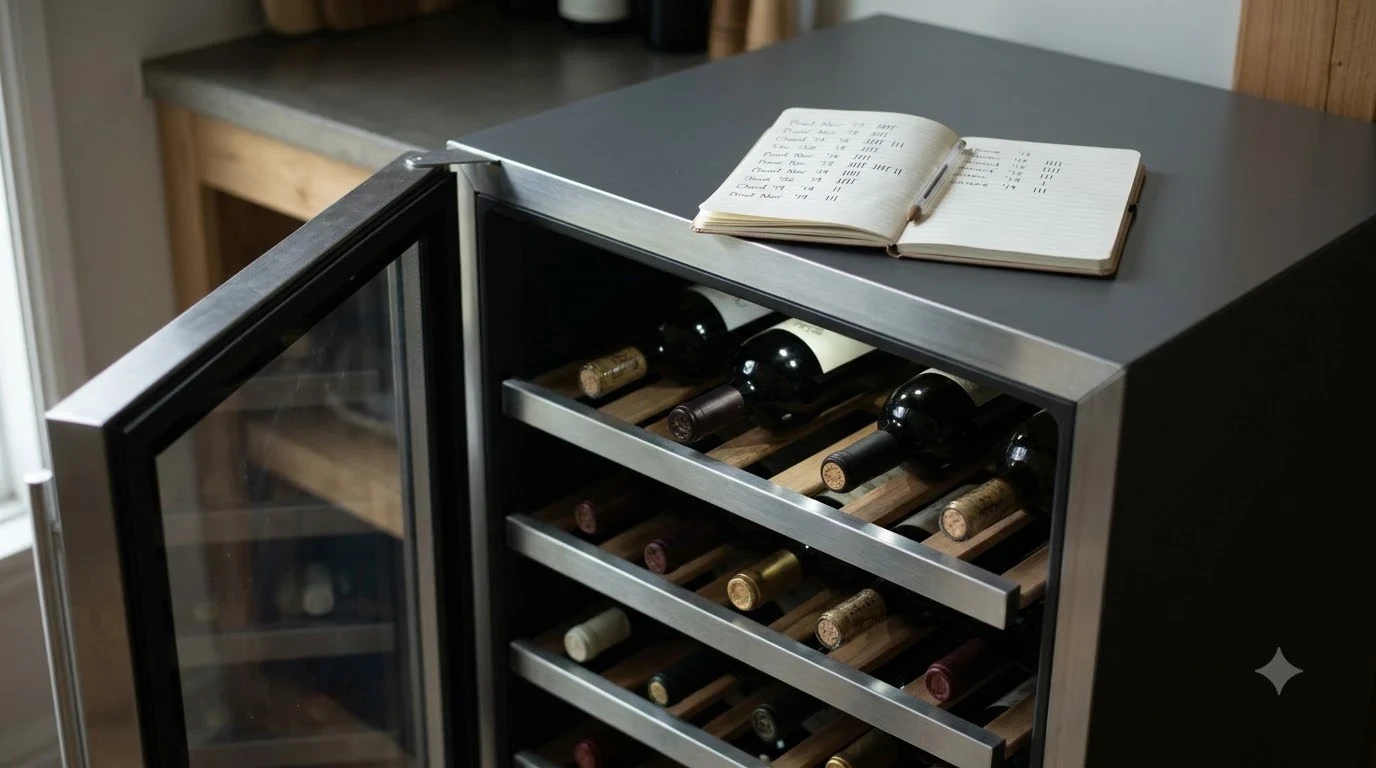
magic chef wine fridge repair usually starts with checking the model, power supply, temperature setting, ventilation, and door seal before replacing any part. Magic Chef wine coolers use different cooling systems and controls, so the correct diagnosis depends on the model number. Owners can safely handle several installation and maintenance checks, but electrical, fan, sensor, and sealed-system faults should be left to qualified service personnel.
A warm cabinet does not automatically mean the compressor has failed. A crowded shelf, a dirty gasket, a room that is too warm, or a cooler that has not had time to stabilize can produce similar symptoms. Use the model-specific steps below to separate simple operating problems from faults that need repair.
Identify the Magic Chef Model and Cooling System
The first step is to identify the exact model and determine whether it uses thermoelectric cooling or a compressor-based system. A Magic Chef MCWC12SV or MCWC28B does not behave like the dual-zone MCWBC77DZC, so a single repair checklist cannot be applied to every cabinet.
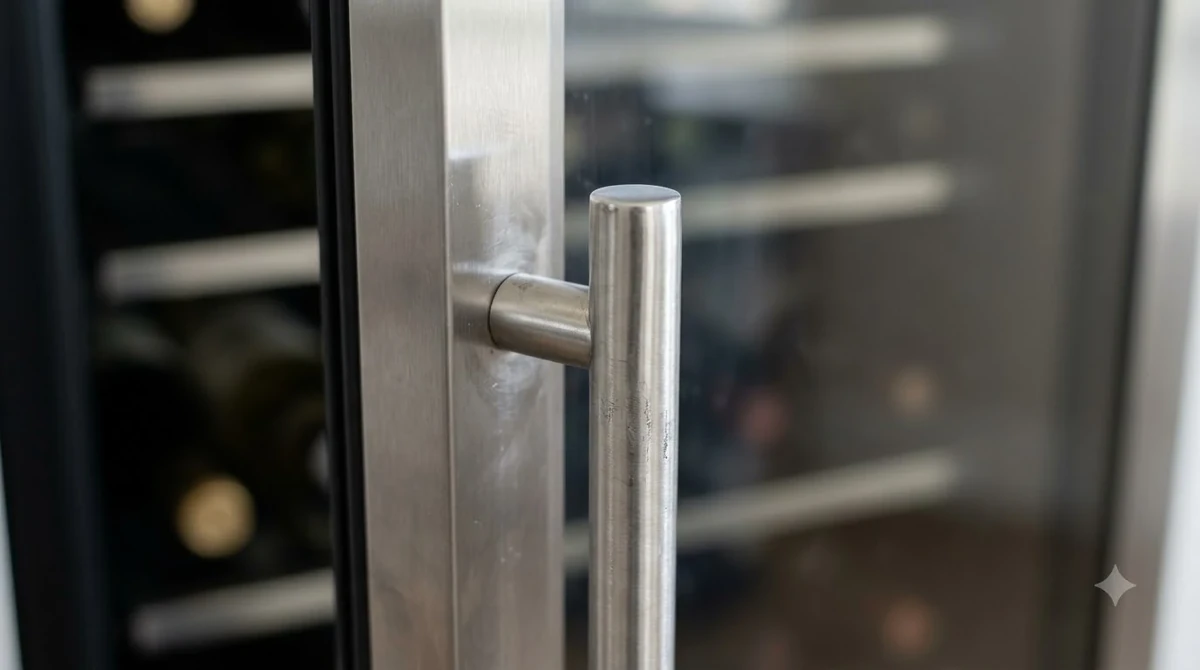
Find the model number on the rating label, commonly located on the cabinet or near the door opening, and write it down before looking for parts. Then match that number to the owner’s manual through the Magic Chef manual library, which provides model selection rather than one universal wine-cooler manual. The manufacturer’s Magic Chef Help Center also separates Wine & Beverage Cooler support from warranty, parts, and DIY support.
Cooling technology matters. The MCWC12SV is a 12-bottle semiconductor wine cooler, and the MCWC28B uses a Peltier system with no compressor. The dual-zone MCWBC77DZC, by contrast, uses a compressor and automatic defrost, so a fan or humming sound means something different across these models.
Before ordering a thermostat, fan, control board, or compressor, record the model and serial numbers, control-panel layout, number of zones, and any error code. Capacity and appearance do not establish that a part fits another Magic Chef series.
Check Power, Controls, and Startup Conditions
When the cooler is completely off, begin with the outlet and controls rather than opening the cabinet. Magic Chef manuals list an unplugged power cord, a tripped breaker, or a blown fuse among the first causes to rule out, and several models require a grounded three-prong outlet.
Make sure the plug is fully seated and inspect the cord for cuts, crushed insulation, discoloration, or heat damage. Stop using a cooler with a damaged cord and arrange authorized service; do not tape the cord or replace its plug yourself. The MCWC12SV manual specifies a grounded 110–120-volt AC, 60-hertz outlet and prohibits removing the ground prong, using an extension cord, or using an inverter. Specifications vary by model.
Check the breaker once. Reset it only if there is no burning smell, visible damage, moisture, or repeat trip; a breaker that trips again calls for an electrician or appliance technician. Then confirm that the unit is switched on and not in standby or a locked control state. On the MCWC12SV, the POWER button switches the cooler on and off, while TEMP plus and minus change the target.
Give a restarted cooler time to recover before judging the result. The MCWC12SV manual calls for approximately 3 to 4 hours of cooling before bottles are loaded after initial setup, while other Magic Chef models give different stabilization guidance. Avoid changing the setting repeatedly during recovery.
Diagnose Warm Temperatures and Restricted Airflow
If the display is on but the bottles are warm, check the setpoint, room conditions, ventilation, and load before assuming a mechanical failure. Heat entering the cabinet and restricted airflow can keep a wine cooler from reaching its target even when its cooling components still operate.
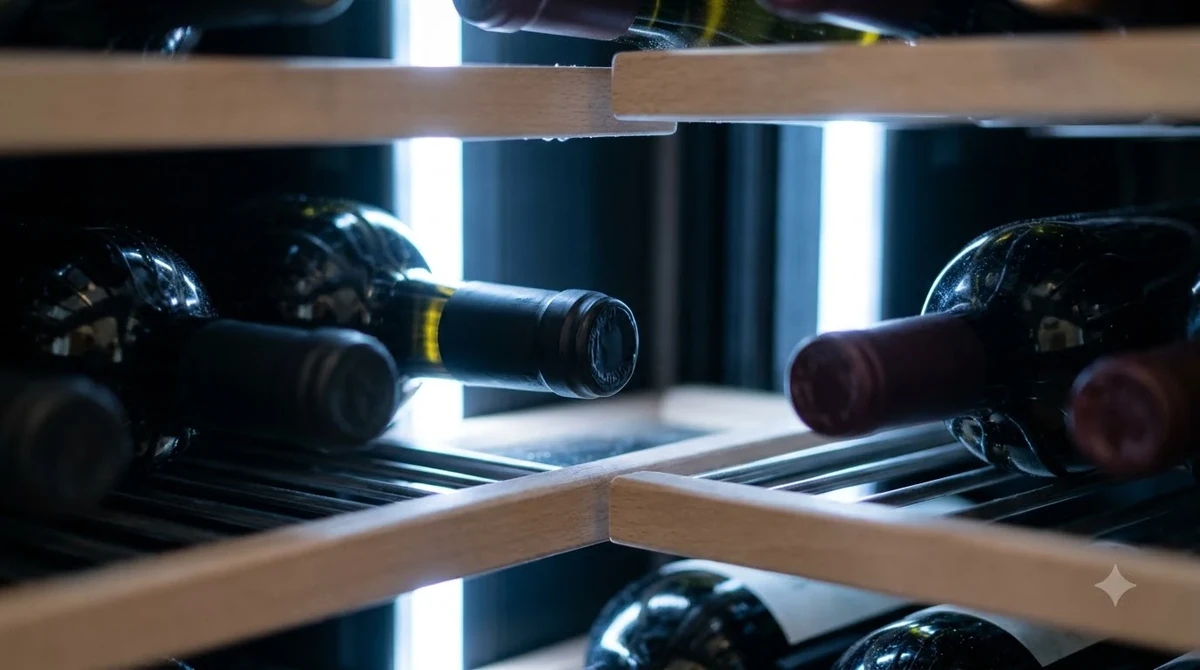
Check the setpoint and confirm that the room is within the model’s operating range. Thermoelectric units can only cool a fixed amount below room temperature: the MCWC12SV manual gives approximately 50°F as the lowest cabinet temperature in a 77°F room, compared with about 43°F in a 70°F room. Selecting a lower target cannot overcome that physical limit.
Move the cooler away from sunlight, ovens, dishwashers, heating ducts, and radiators. Keep vents open and follow the manual’s clearance rules: the MCWC12SV and MCWC28B each call for 5 inches at the back and sides and freestanding installation, while the dual-zone MCWBC77DZC is designed for built-in or freestanding placement. Do not enclose a freestanding unit in a tight cabinet. Check that bottles or shelves do not block a fan outlet or touch the rear wall, leave air space, avoid loading many warm bottles at once, and limit door openings during recovery. The model-specific values below are not universal Magic Chef specifications.
| Example model | Cooling system | Temperature information | Installation note |
|---|---|---|---|
| MCWC12SV | Semiconductor / thermoelectric | Selectable 39°F–72°F; at 77°F room temperature, the manual gives about 50°F as the lowest cabinet temperature | Freestanding; 5 inches at back and sides |
| MCWC28B | Peltier thermoelectric; no compressor | Selectable 50°F–66°F; at 77°F room temperature, the manual gives about 50°F as the lowest cabinet temperature | Freestanding; 5 inches at back and sides |
| MCWBC77DZC | Compressor, two independently controlled zones | Each zone adjusts from 39°F–61°F; manual notes a possible ±5°F variation with loading and ambient conditions | Built-in or freestanding installation |
Use an independent refrigerator thermometer and record actual temperature over several hours with the door closed. A thermoelectric cooler near its expected room-temperature limit may be operating normally; a compressor model that stays warm despite correct settings and clear airflow needs further testing. Those readings help a technician assess its fan, sensor, control, or refrigeration circuit. For more symptom checks, see our guide to a magic chef wine fridge not cooling.
Inspect the Door Seal, Moisture, and Unusual Noise
A door that leaks room air can cause continuous operation, condensation, and poor temperature control. Before requesting a gasket or hinge, check whether the cabinet is level, the shelves are seated correctly, and anything inside is preventing the door from closing fully.
Inspect the full gasket for dirt, cracks, flattened areas, or sections pulled away from the door. Wipe it with a soft cloth and mild cleaner, then dry it; avoid solvents and sharp tools. Magic Chef manuals link a dirty or poorly sealing gasket with moisture and a door that will not close. Interior condensation can also follow a slightly open door or frequent opening, while moist room air can leave water on the cooler’s exterior. Dry the area, reduce door openings, and replace a damaged seal only with the correct model-specific part.
Rattling or vibration may mean the cabinet is not level or is touching a wall. Adjust the feet only as the manual permits and seat bottles securely. A scraping fan, new loud mechanical noise, or electrical buzz is different from a mild operating hum; unplug the appliance if there is a burning odor, smoke, or visible damage and arrange service.
Tip: Before cleaning, leveling, or moving the cooler, switch it off and unplug it by gripping the plug rather than pulling the cord. Never remove the rear cover to reach a fan or electrical part while the appliance is connected.
Fan activity is not always a fault. The MCWC28B manual says its fan may run continuously with the Peltier system, especially at a colder setting or in a room above 77°F. The MCWBC77DZC also runs circulation fans during automatic defrost while its zone indicators are off. Compare the sound with the normal pattern for that model.
Read Error Codes Without Attempting Internal Repairs
Error codes can narrow the fault, but they do not make an internal repair safe for an untrained owner. On the MCWBC77DZC dual-zone model, the owner’s manual assigns separate codes to the upper and lower temperature sensors and their DC fans.
For that model, E1 indicates an upper-zone temperature-sensor error, E2 a lower-zone temperature-sensor error, E3 an upper-zone DC-fan error, and E4 a lower-zone DC-fan error. The manual directs the owner to contact customer service for any of these codes and explicitly says not to attempt the repair. Do not assume the same codes mean the same thing on another Magic Chef model; code definitions must be matched to the exact control system.
Write down the exact code, the affected zone, and whether the fan, lights, or compressor appear to operate. Do not repeatedly clear the display or cycle power to hide the message; a returning code is useful evidence for the service provider.
Internal work can expose live wiring, sharp edges, and a pressurized refrigerant circuit. Never bypass a sensor, bridge a switch, open refrigerant tubing, or use a knife, screwdriver, or heat gun to remove ice. Remove a loose bottle blocking a fan only after switching off and unplugging the unit; leave motor, wiring, and sensor repairs to a technician.
Choose the Correct Parts and Service Route
When basic checks do not solve the problem, use the model number to request diagnosis and confirm parts availability before approving a repair. Magic Chef’s support site provides routes for product support, service requests, manuals, and parts, while parts diagrams can help identify the assembly used on a particular model.
Do not assume parts are interchangeable because two coolers share a glass door, capacity, or control layout. A thermostat, thermoelectric module, DC fan, control board, gasket, compressor, or hinge can differ by series. A parts listing for the MCWC45A, for example, gives a model-specific compressor number and marks several listed components as discontinued with no substitute; that listing does not establish availability for other Magic Chef models.
Check warranty coverage before authorizing service. The MCWBC77DZC manual describes one year of parts-and-labor coverage and a separate five-year compressor-parts warranty, with labor and transportation responsibility changing after the first year. Other models may have different terms, and proof of purchase may be required. Ask the support center to confirm coverage and whether service must be performed by an authorized provider.
When requesting help, provide the model and serial numbers, purchase date, receipt if available, cabinet and room temperatures, error code, and a concise symptom history. Ask the technician to identify the failed component, explain the diagnosis, and confirm part availability before approving labor or transport. For other brand-specific procedures, see our Allavino wine fridge repair overview and the broader Brand Troubleshooting section.
Prevent Repeat Problems and Protect Stored Wine
Routine cleaning and correct placement reduce avoidable cooling complaints. A clean gasket, unblocked vent, stable cabinet, and suitable room temperature help a Magic Chef cooler operate within the limits of its design.
For cleaning, remove the bottles, switch the appliance off, and unplug it before wiping the interior. The MCWC12SV manual specifies a solution of about 2 tablespoons of baking soda per quart of lukewarm water, followed by drying with a soft cloth. Keep liquids away from the control panel, fan openings, and electrical connections. Its maintenance instructions also call for cleaning the air-filter net every three months; follow that interval only if the same filter arrangement is present on your model.
Keep the cooler away from sun and heat-producing appliances, and maintain the clearance in its manual. Do not put a freestanding MCWC12SV or MCWC28B in a recess because it fits; the built-in-capable MCWBC77DZC has its own cutout and door-clearance instructions. After cleaning or repositioning, let the cabinet stabilize before loading it fully: MCWC12SV instructions call for 3 to 4 hours before the first bottle load, while MCWC28B troubleshooting guidance allows at least 24 hours for internal temperature adjustment after a change. These are model-specific directions, not a universal waiting period.
Monitor the cabinet with a separate thermometer, keep the door closed during recovery, and avoid placing bottles against air outlets. Move valuable bottles to another reliably cooled location if the cabinet cannot hold a stable temperature. Repeated warming, a new error code, breaker trips, or abnormal mechanical noise calls for diagnosis rather than further thermostat changes.
Frequently Asked Questions
These final checks cover a few control and handling details that are easy to overlook, especially on dual-zone Magic Chef models with keypad locks and electronic displays.
Why do the buttons on my MCWBC77DZC stop responding?
The controls lock automatically after about one minute without a button press. To release the panel lock, press and hold the lock pad for approximately 3 seconds until the lock indicator turns off.
Can I change the temperature display from Fahrenheit to Celsius?
On the MCWBC77DZC, the manual says to hold the upper-zone warmer and colder pads together for approximately 3 seconds while the controls are not locked and no setting operation is in progress. The display can then switch between Fahrenheit and Celsius.
How can I put the MCWBC77DZC into standby mode?
With the control pads not locked and the display not flashing, hold the lower-zone warmer and colder pads together for approximately 3 seconds. The standby indicator confirms the mode; this is a control setting, not evidence that the appliance has lost power.
Should I manually defrost the MCWBC77DZC?
No. Its manual describes automatic defrost during a compressor-off cycle, with water draining from the rear wall into a pan above the compressor. Do not chip at ice or insert tools into the drain opening.
How long should a dual-zone cooler stand after transportation?
The MCWBC77DZC manual says to leave the appliance upright for approximately 4 hours before connecting it to power after transport. This is a model-specific handling instruction, so consult the manual for the exact unit before restarting a cooler that has been laid on its side.
Most Magic Chef wine-cooler complaints are worth checking at the outlet, control panel, door, and ventilation openings before arranging parts replacement. Match every setting, clearance, and repair decision to the exact model, and leave internal electrical or refrigeration work to qualified service personnel so the cooler and the wine it stores are protected.
More in Storage & Fridge Care
 How Long Can You Store Wine in a Wine Fridge? Protect Bottle QualityUpdated Nov 20, 2026
 Can You Store Beer in a Wine Fridge? Keep Both Drinks FreshUpdated Nov 20, 2026
 Is It Worth Repairing a Wine Fridge? Spot the Cheap Fixes Before You ReplaceUpdated Nov 20, 2026
 Wine Fridge Condensation: Identify Causes and Fix Moisture ProblemsUpdated Nov 20, 2026
 Wine Fridge Too Cold: Protect Your Wine and Fix the TemperatureUpdated Nov 20, 2026
 How to Reset Wine Fridge: Restore Cooling and SettingsUpdated Nov 20, 2026