

We may earn a commission when you buy through links on this page, at no extra cost to you. Learn more.
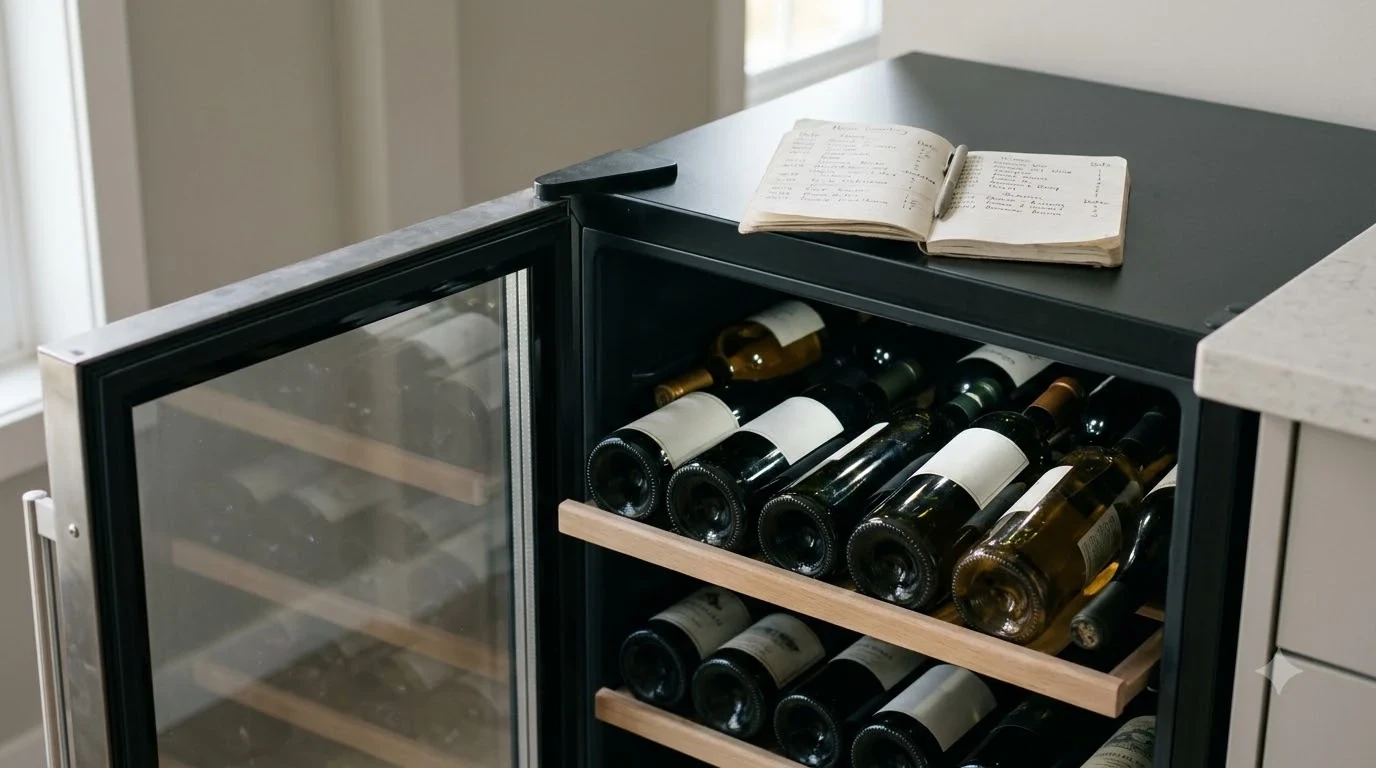
A GE Profile wine fridge not cooling usually has a temperature-setting, airflow, door-seal, or electrical problem, although a failed fan, thermistor, or compressor can also prevent proper cooling. Start by checking the power supply, control settings, door closure, and ventilation before considering component repairs. Some cooling delays are normal after startup or when adding several bottles, so allow enough time for the temperature to stabilize before deciding that the appliance has failed.
A GE Profile wine refrigerator protects bottles from temperature fluctuations that can affect their long-term storage conditions. When the cabinet stays warm, the display behaves unexpectedly, or the compressor runs continuously, identifying the underlying cause matters more than repeatedly changing the temperature setting. The following troubleshooting steps cover older GE Profile wine chillers and newer Profile wine centers, with attention to differences between models and the checks that can safely be performed at home.
1. Check the Temperature Setting and Allow Enough Cooling Time
The first step is confirming that the refrigerator is actually programmed to cool to the temperature you want. An incorrect setting, a recent power interruption, or insufficient stabilization time can make a functioning GE Profile wine fridge appear defective.
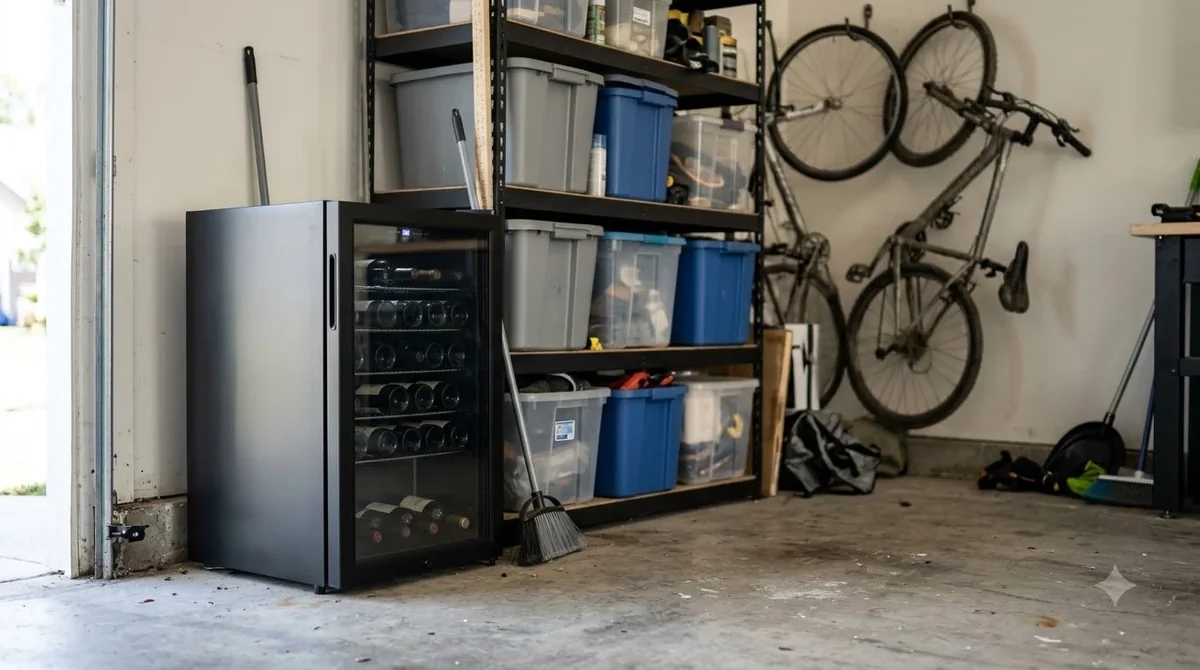
Older GE Profile wine chillers have three main control options: Red Wine, White Wine, and Custom Temp. According to the older PWR04FAN series owner’s manual, Red Wine targets 55°F, White Wine targets 45°F, and Custom Temp allows adjustments between 40°F and 65°F. For a cabinet containing a mixture of red and white bottles, GE recommends approximately 50°F on that particular model. Newer Profile dual-zone products may have different controls and separate temperature ranges, so their individual operating instructions take precedence.
Check the selected temperature rather than assuming that the number currently displayed represents the intended setting. Some controls briefly show the selected value before returning to the measured temperature. A power interruption can also change the stored setting on older models. The older Profile manual specifically explains that the control can return to Red Wine mode after electricity is restored. If the refrigerator experienced an outage, verify the selection again.
Give the appliance time to respond after making an adjustment. GE’s older Profile troubleshooting instructions recommend waiting approximately 12 hours for the cabinet to cool completely after initial startup. A newly loaded cabinet may also need additional time because room-temperature bottles introduce a substantial amount of heat.
For a more accurate assessment, place an independent refrigerator thermometer in the cabinet and compare its reading with the selected temperature after the cooling period. Avoid opening the door repeatedly during this test. Frequent checks release cold air and introduce warmer, more humid air, making it harder to determine whether the refrigerator is recovering normally.
Tip: Change the temperature setting once, close the door, and give the refrigerator approximately 12 hours to stabilize when following the older PWR04FAN troubleshooting guidance. Avoid making repeated adjustments every few minutes.
Wine storage also requires a distinction between storage temperature and serving temperature. A cabinet set around 50°F to 55°F can be suitable for mixed or predominantly red wine storage, while white wine may be stored at a cooler setting depending on the appliance’s capabilities. The goal is a stable environment, not necessarily the coldest setting available.
2. Inspect the Door Seal, Door Alignment, and Bottle Placement
A door that does not close completely allows warm room air to enter the cabinet. Even a small opening can make a GE Profile wine cooler run for long periods while struggling to reach its programmed temperature.
Start by inspecting the entire perimeter of the door. Look for a bottle extending beyond its shelf, a rack that has shifted forward, or packaging caught between the door and cabinet. These obstructions can prevent the door from closing even when it appears nearly shut. GE’s older troubleshooting documentation specifically identifies bottles holding the door open as a possible cause of extended cooling cycles.
Next, examine the rubber gasket around the door. The seal should sit evenly against the cabinet without visible gaps, folds, or damaged sections. Dirt, dried residue, and sticky deposits can prevent proper contact. Clean the gasket with mild soap and water, then dry it thoroughly with a soft cloth. Avoid abrasive cleaners that could damage the sealing surface.
A simple paper test can help identify an obvious sealing problem. Close the door on a narrow strip of paper and gently pull it outward. Repeat this check at several points around the perimeter. If the paper slides out easily at one location but holds firmly elsewhere, the seal may not be making consistent contact. This test is an initial indication rather than a definitive measurement of gasket performance.
Also examine the refrigerator’s position. The older GE Profile installation manual recommends a level floor and a slight 1/8-inch backward tilt to help the door close. If the appliance has been moved recently, uneven positioning may have changed how the door sits against the cabinet. Adjusting the leveling feet can help, but follow the installation instructions for the exact model because leg adjustment directions can differ between designs.
Finally, check the shelves and bottle arrangement. A shelf installed incorrectly may interfere with door movement, while bottles pushed too far forward can obstruct closure. Keep heavier bottles properly supported and avoid forcing the racks into position. If the door closes properly after rearranging the contents, monitor the internal temperature to see whether cooling improves.
A damaged gasket requires a model-compatible replacement rather than an improvised repair. If the door is correctly aligned but still has a persistent gap, a technician can determine whether the problem involves the gasket, hinges, door mounting, or cabinet alignment.
3. Restore Proper Airflow and Check the Installation Location
Restricted ventilation can make a wine refrigerator struggle to remove heat, even when its compressor and temperature controls are functioning. Check the installation space, surrounding temperature, and available airflow before investigating internal refrigeration components.
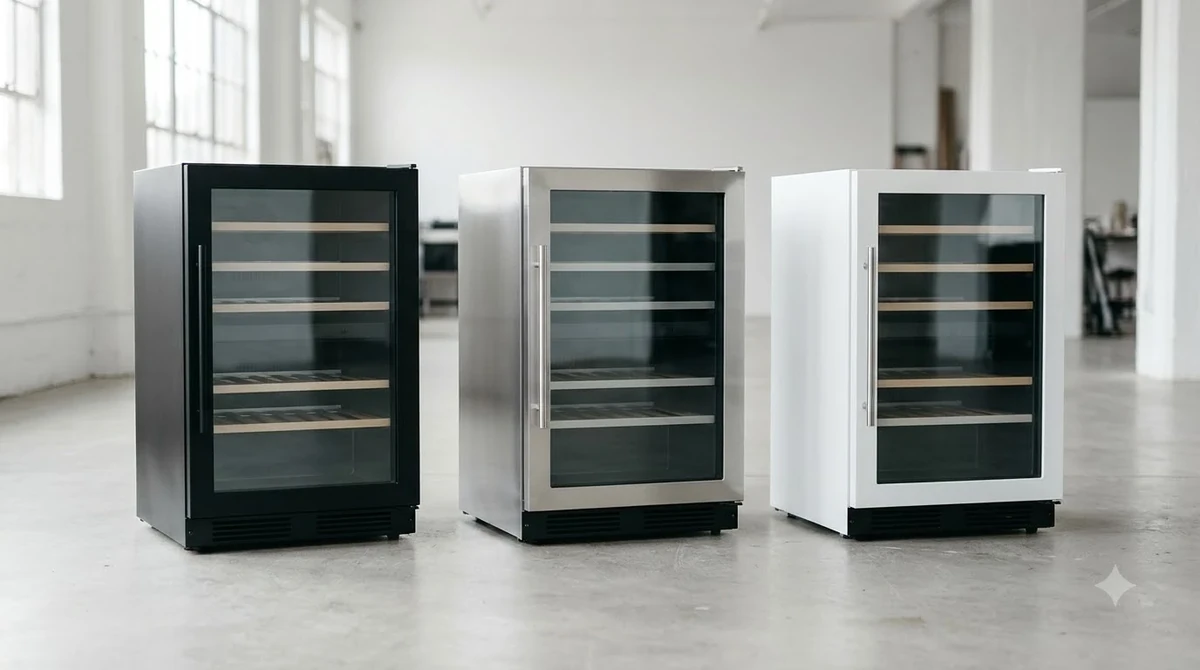
The required clearances depend on the specific GE Profile model. For example, the older Profile wine chiller installation instructions specify 1½ inches of space on each side and 2 inches above and behind the cabinet. These measurements should not automatically be applied to every newer Profile wine center. Built-in and freestanding designs can have different ventilation requirements.
Pull the refrigerator away from nearby walls or cabinets only as much as its installation instructions permit. Check whether stored objects, furniture, or dust accumulation are interfering with the intended airflow. If the cabinet is installed beneath a counter, make sure the installation follows the manufacturer’s requirements for that configuration. A refrigerator designed for freestanding use may not perform correctly if enclosed in a space without sufficient ventilation.
The surrounding room temperature is another important consideration. The older GE Profile manual specifies an operating environment between 55°F and 90°F. A room above that range can place additional demand on the cooling system. A location near an oven, dishwasher, heating vent, or direct sunlight can also create a difficult operating environment.
Moving the refrigerator to a cooler, more suitable location may improve performance if the original installation exposes it to excessive heat. Avoid placing it in an area with excessive moisture or where water can reach electrical components. Do not use an outdoor location unless the exact appliance is specifically designed and approved for that environment.
For a freestanding refrigerator, inspect the surrounding space for accumulated dust and debris. If accessible external ventilation areas are dirty, clean them according to the manufacturer’s maintenance instructions. Unplug the appliance before performing any permitted cleaning that involves electrical access or moving the unit. Do not remove protective panels or reach into the compressor compartment to clean internal components without the appropriate training.
Keep in mind that an appliance can be running normally but still have difficulty maintaining its target temperature when ventilation is restricted. A longer compressor cycle during hot weather does not automatically mean that the compressor has failed. However, persistent warm temperatures after correcting the installation conditions deserve further investigation.
4. Check the Power Supply, Control Panel, and Compressor Activity
A cooling problem may begin with the electrical supply rather than the refrigeration system. Confirm that the GE Profile wine fridge receives stable power and that its control panel is responding before assuming that an internal component needs replacement.
First, inspect the power cord for visible damage and confirm that the plug is fully inserted into a suitable outlet. Look at the control display and interior light, if equipped. A completely blank display may indicate an unplugged appliance, a tripped circuit breaker, a blown fuse, or an electrical fault. The older GE Profile troubleshooting instructions identify these supply-related problems among the first items to investigate.
If the household circuit breaker has tripped, check whether other appliances on the same circuit have also lost power. Resetting a breaker should only be attempted when there are no signs of damaged wiring, burning smells, sparks, or repeated electrical trips. A breaker that trips again requires investigation by a qualified electrician or appliance professional.
Do not remove the grounding prong, use a damaged power cord, or substitute an unsuitable extension cable. GE’s older installation instructions call for a properly grounded electrical outlet. If the outlet appears damaged or does not provide reliable power, arrange for an electrician to inspect it.
Once power is restored, the compressor may not start immediately. The GE PWR04FANBB technical service manual describes a four-minute delay in compressor startup after a power interruption. This means that an appliance that appears inactive immediately after being reconnected may simply be following its normal control sequence.
Listen for ordinary operating sounds after allowing the startup delay. A low hum, vibration, or brief refrigerant movement sound does not necessarily indicate a fault. What matters is whether the appliance eventually begins cooling and whether the internal temperature moves toward the selected setting.
For an older Profile model, the compressor indicator and control behavior may provide additional clues. However, a lit display does not prove that the compressor is working. The display, temperature sensor, control board, fan, and compressor are separate parts of the cooling system. A functioning control panel can coexist with a refrigeration failure.
If the appliance repeatedly loses power, the compressor never starts, or electrical components make unusual noises, stop troubleshooting and arrange an appropriate inspection. Electrical testing inside the cabinet is not a suitable next step for someone without appliance-repair experience.
5. Identify Possible Fan, Thermistor, and Compressor Problems
If the temperature setting, door seal, ventilation, and power supply are all correct but the cabinet remains warm, an internal cooling component may have failed. The most relevant possibilities include a temperature sensor, evaporator fan, condenser fan, control board, compressor, or sealed refrigeration-system fault.
Temperature sensor or thermistor failure
A thermistor measures temperature and communicates information to the electronic control system. If its reading is inaccurate, the refrigerator may not operate according to the actual temperature inside the cabinet. It may also display an implausible reading or cycle the cooling system incorrectly.
The GE PWR04FANBB technical service manual describes the thermistor’s resistance behavior in detail. At 45°F, the specified resistance is approximately 9.5K ohms, while at 60°F it is approximately 7.1K ohms. These values apply to the thermistor covered by that technical manual, not automatically to every GE Profile wine center.
The same technical document explains that an open sensor can produce a 32°F display reading, while a shorted sensor can produce a 99°F reading. Such unusual readings are useful diagnostic clues, but they should not be treated as proof without proper testing.
Evaporator or condenser fan problems
Fans help move air across the cooling components and distribute cold air through the cabinet. A failed or obstructed fan can interfere with heat removal or temperature distribution. Depending on the design, one section of a dual-zone cooler may become warmer than another.
Possible warning signs include unusual fan noise, scraping sounds, poor circulation, or an appliance that runs for extended periods without achieving its target temperature. Some models use different fan arrangements, so the absence of an obvious fan sound does not establish that a fan has failed.
Compressor and sealed-system problems
The compressor circulates refrigerant through the cooling system. If it cannot start, operates incorrectly, or is affected by a refrigeration-system fault, the cabinet may remain warm despite apparently normal controls.
A compressor that hums without producing adequate cooling, repeatedly clicks, or shuts down unexpectedly needs professional diagnosis. Other possibilities include a failed starting component, control-board problem, refrigerant leak, or restriction within the sealed system.
These repairs involve electrical components and, in some cases, refrigerant handling. Do not attempt to open sealed refrigerant lines, bypass safety controls, or replace internal electrical parts without appropriate qualifications. A technician can test the individual components and determine whether repair is practical.
The important distinction is between an appliance that is temporarily recovering and one that cannot remove heat. If the cabinet remains substantially warmer than its selected temperature after the basic checks and appropriate stabilization period, further component diagnosis is justified.
6. Compare Symptoms and Follow a Practical Troubleshooting Sequence
Matching the observed symptom with its likely cause helps prevent unnecessary repairs. A GE Profile wine fridge that has a blank display requires a different investigation from one that runs continuously or displays an implausible temperature.
The following comparison combines the older GE Profile troubleshooting guidance with general refrigeration diagnostic principles. The measurements are model-specific examples where indicated, not universal specifications for every Profile wine center.
| Observed symptom | Possible cause | Recommended next step |
|---|---|---|
| Display completely blank | Power interruption, breaker, fuse, or electrical fault | Check the outlet, plug, and household breaker |
| Cabinet remains warm after startup | Normal initial cooling period | Allow approximately 12 hours on the older Profile model |
| Temperature rises after loading bottles | Warm bottles increasing the cooling demand | Close the door and allow the temperature to recover |
| Compressor runs for long periods | High room temperature, restricted ventilation, or frequent openings | Inspect the installation and door seal |
| Door does not close completely | Obstructing bottle, shelf, gasket, or alignment issue | Rearrange bottles and inspect the gasket |
| Temperature reading appears incorrect | Sensor, control, or display problem | Compare with an independent thermometer |
| Cooling does not resume immediately | Compressor restart delay | Allow the four-minute delay documented for PWR04FANBB |
| Cabinet remains warm despite normal settings | Fan, compressor, or sealed-system fault | Arrange professional diagnosis |
A useful troubleshooting sequence begins with the simplest checks and moves toward more complicated possibilities only when necessary. This keeps the process organized and helps a technician understand what has already been ruled out.
Start by recording the model number and serial number. On the older Profile wine chiller covered by the owner’s manual, these identification details are located inside the cabinet on the left side. Other models may place their identification labels elsewhere. Having the complete model number is important because a 44-bottle dual-zone Profile refrigerator may use different controls and components from an older PWR04FAN unit.
Next, verify the selected temperature and power supply. Inspect the door and gasket, check the surrounding installation space, and confirm that the refrigerator has sufficient time to recover. Record the internal temperature before and after the observation period instead of relying only on the control display.
If there is still no improvement, note whether the compressor starts, whether unusual sounds occur, and whether both zones are affected. These observations can help distinguish an airflow or sensor problem from a broader refrigeration-system failure.
Owners comparing troubleshooting procedures across wine refrigerator brands can also review our guides to GE wine fridge not cooling and Allavino wine fridge not cooling. Different manufacturers may use different control systems, installation requirements, and replacement components, so procedures should not be transferred between models without checking compatibility.
7. Protect Your Wine and Decide When to Request Professional Service
When a wine refrigerator stops cooling, protecting the bottles is just as important as diagnosing the appliance. Move temperature-sensitive bottles to a stable storage location if the cabinet cannot maintain a suitable environment, and arrange service when basic troubleshooting does not restore normal operation.
Wine is generally better protected by consistent storage temperatures than by repeated swings between warm and cold conditions. For longer-term storage, a temperature near 55°F is a useful reference point for many wines. A refrigerator that cannot maintain its selected setting should not be relied upon for valuable bottles simply because its display remains illuminated.
If the cabinet becomes substantially warmer than the intended setting, transfer the wine to another suitable wine refrigerator or a cool, temperature-stable storage location. Keep the bottles away from direct sunlight, radiators, ovens, and other heat sources. Avoid leaving them in a vehicle or an area where daytime and nighttime temperatures fluctuate widely.
Do not repeatedly open the faulty refrigerator to inspect the bottles. Keep the door closed as much as possible while deciding whether the appliance can recover. This reduces the entry of warm air and gives the remaining cooling capacity a better chance of maintaining the internal environment.
Before arranging service, collect the following information:
- The complete model and serial numbers.
- The temperature selected on the control panel.
- The actual temperature measured inside the cabinet.
- Whether the display and interior light operate normally.
- Whether the compressor appears to start and stop normally.
- Any clicking, buzzing, scraping, or unusual vibration.
- Whether the problem began after a power interruption, relocation, or large bottle load.
- Whether one zone or the entire cabinet has stopped cooling.
For a current GE Profile product, use its model-specific Owner Center rather than relying entirely on instructions written for an older wine chiller. GE’s official PWR04FANBB Owner Center provides access to its owner’s manual and service support. This is particularly useful when identifying the correct documentation for a specific appliance.
Professional service is appropriate when the compressor will not start, a fan appears defective, the display shows an unusual fault indication, or the cabinet remains warm despite correct installation and settings. Refrigerant leaks, sealed-system restrictions, and internal electrical failures also require qualified attention. For additional technical information about the older PWR04FANBB model, its technical service manual and thermistor diagnostics describe the temperature-sensing system and compressor-start delay.
Owners researching other appliance maintenance issues can also consult our Magic Chef wine fridge not cooling troubleshooting article and the broader Brand Troubleshooting resource. These resources can help identify which checks are common across wine refrigerator designs and which depend on the manufacturer.
After the refrigerator has been repaired, monitor its internal temperature over a full cooling cycle before returning valuable bottles to long-term storage. Confirm that the door closes securely, the surrounding space remains suitable, and the selected temperature is maintained consistently.
Frequently Asked Questions
Does a GE Profile wine fridge have a reset button?
Reset procedures depend on the specific model, and not every GE Profile wine refrigerator has a dedicated physical reset button. Some older models return to their default Red Wine setting following a power outage. Consult the model’s control instructions before attempting a special reset sequence.
Why does my GE Profile wine cooler show 32°F when the cabinet is warmer?
For the PWR04FANBB covered by GE’s technical service documentation, an open thermistor can cause a 32°F display reading. This is a sensor-related diagnostic clue rather than proof that every Profile model has the same problem. A technician can test the sensor and wiring to confirm the cause.
Can I use a GE Profile wine refrigerator in an unheated garage?
That depends on the appliance’s approved ambient operating range. The older PWR04FAN installation documentation specifies a room temperature between 55°F and 90°F. A garage that regularly falls below the minimum may prevent that particular model from operating as intended.
Why does my GE Profile wine cooler display temperature changes slowly?
The PWR04FANBB technical service manual explains that its normal temperature display updates every 45 seconds. The control also conditions the reading to reduce abrupt changes caused by opening the door. Consequently, the displayed temperature may not immediately reflect a brief change in cabinet air temperature.
Should a GE Profile wine refrigerator remain plugged in during a long vacation?
For normal wine storage, a properly functioning refrigerator can generally remain powered while unattended. Before leaving, confirm that the door closes securely, the temperature is stable, and the electrical connection is reliable. Avoid using an appliance with an unresolved cooling or electrical fault for extended unattended storage.
A GE Profile wine fridge that is not cooling does not automatically need a compressor replacement. Temperature settings, door alignment, ventilation, and power interruptions are sensible first checks, while persistent cooling failures may require sensor, fan, control-board, or sealed-system diagnosis. Identify the exact model, protect the wine, and use its corresponding GE documentation to guide the next repair decision.
More in Storage & Fridge Care
 How Long Can You Store Wine in a Wine Fridge? Protect Bottle QualityUpdated Nov 20, 2026
 Can You Store Beer in a Wine Fridge? Keep Both Drinks FreshUpdated Nov 20, 2026
 Is It Worth Repairing a Wine Fridge? Spot the Cheap Fixes Before You ReplaceUpdated Nov 20, 2026
 Wine Fridge Condensation: Identify Causes and Fix Moisture ProblemsUpdated Nov 20, 2026
 Wine Fridge Too Cold: Protect Your Wine and Fix the TemperatureUpdated Nov 20, 2026
 How to Reset Wine Fridge: Restore Cooling and SettingsUpdated Nov 20, 2026