

We may earn a commission when you buy through links on this page, at no extra cost to you. Learn more.
A “marvel wine fridge not cooling” problem is often caused by a temperature setting, restricted airflow, a door-seal leak, or a power interruption rather than an immediate compressor failure. Start with the controls and the actual temperature inside the cabinet, then check the installation space, door closure, and bottle arrangement. Marvel makes several wine refrigerator designs, including single-zone and dual-zone models, so use the instructions for your exact model before attempting any cleaning or service work.
A wine refrigerator protects bottles by holding a controlled environment, but a display that looks normal does not always prove that the cabinet is reaching its set temperature. A few careful checks can help separate an easy correction from a problem that needs a qualified appliance technician. The steps below apply to common Marvel wine-cooler symptoms while leaving model-specific electrical, ventilation, and sealed-system work to the people equipped to handle it.
Check Power, Controls, and the Actual Cabinet Temperature
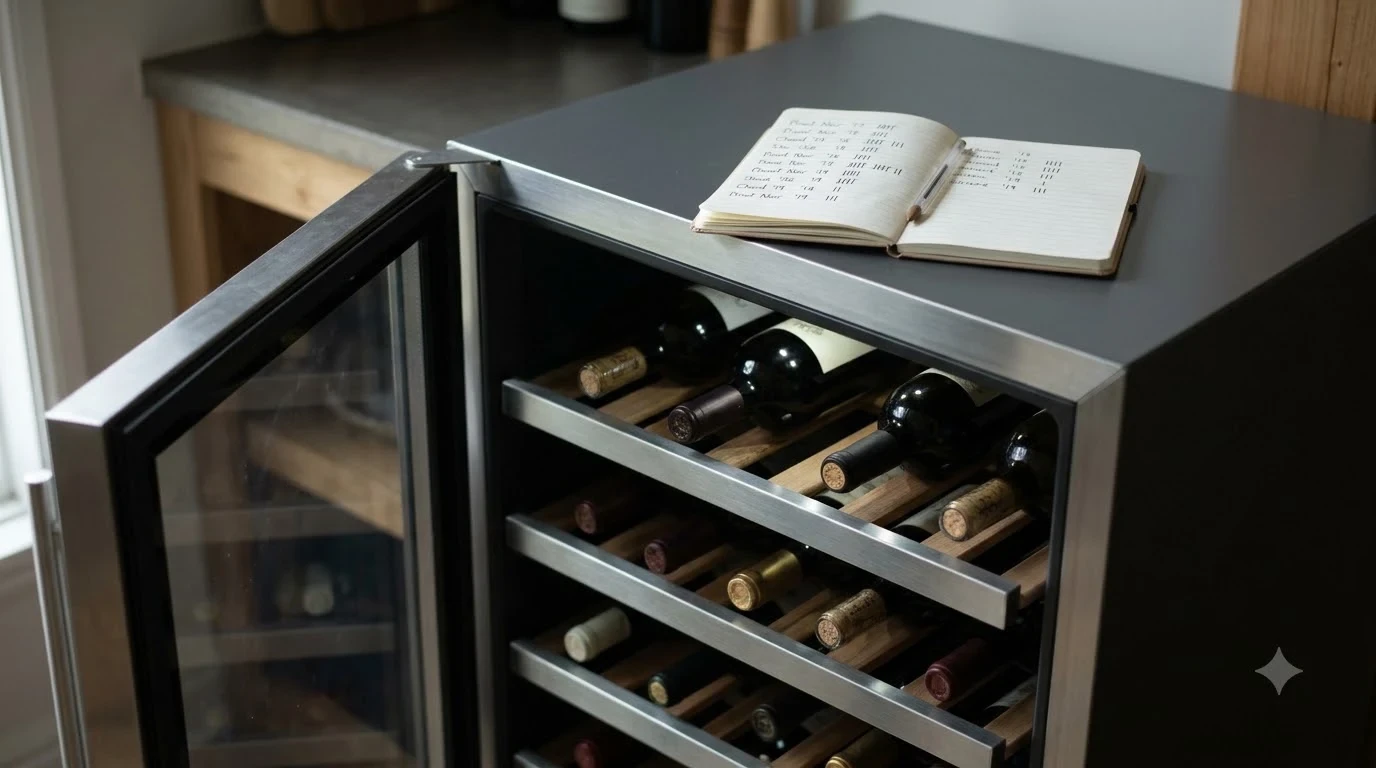
Begin with the power supply and control panel, then compare the displayed setpoint with an independent thermometer. A lighted display or interior lamp confirms that some electrical functions work; it does not confirm that the cooling system is operating correctly.
Make sure the power cord is seated and inspect the household breaker or fuse if the refrigerator has gone dark. Stop using an outlet that is loose, hot, or damaged; have the electrical issue checked instead of repeatedly unplugging the appliance. Avoid extension cords and power strips unless your model’s manual specifically permits them.
Compare the displayed temperature with the control setting. Marvel lists an adjustable range of 34°F to 61°F for the Essential Collection, but that range should not be assumed for every model. A dual-zone cabinet may show separate upper- and lower-compartment settings. Confirm the zone, check whether a control lock is active, and use the range stated in your manual.
Use a separate refrigerator thermometer rather than relying on the display alone. Place it on a middle shelf away from the door, cooling outlet, and direct contact with a bottle; record the reading, keep the door closed for several hours, and compare it again. One warm reading after loading bottles or changing a setting does not prove a failure, but a continued rise is concerning. If the display is blank, flashes, or shows an unfamiliar code, record it before resetting anything. Do not remove the control panel or test live electrical parts; use the manual for model-specific reset steps.
Check Airflow, Installation, and Room Conditions
A wine refrigerator needs the airflow and room conditions specified for its particular installation. Check the ventilation grille, the space around the cabinet, and whether the model is approved for the location where it is installed.
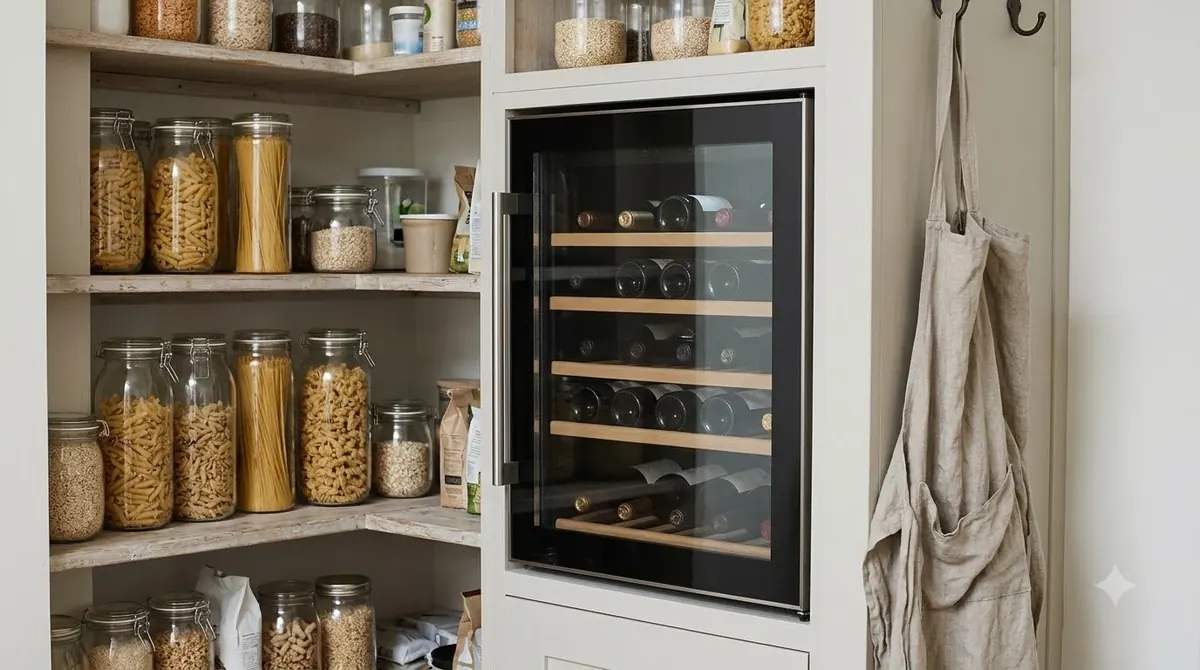
Look for items that may be blocking the air inlet or outlet, such as stored boxes, a loose kick plate, dust, or cabinetry added after installation. Marvel describes its refrigeration systems as using a compressor and convection fan, so an obstructed ventilation path can interfere with the appliance’s ability to move heat away from the cabinet. Do not assume that every Marvel unit vents in the same direction: built-in and freestanding models can have different requirements. Use the installation guide to identify the designated grille and required clearances.
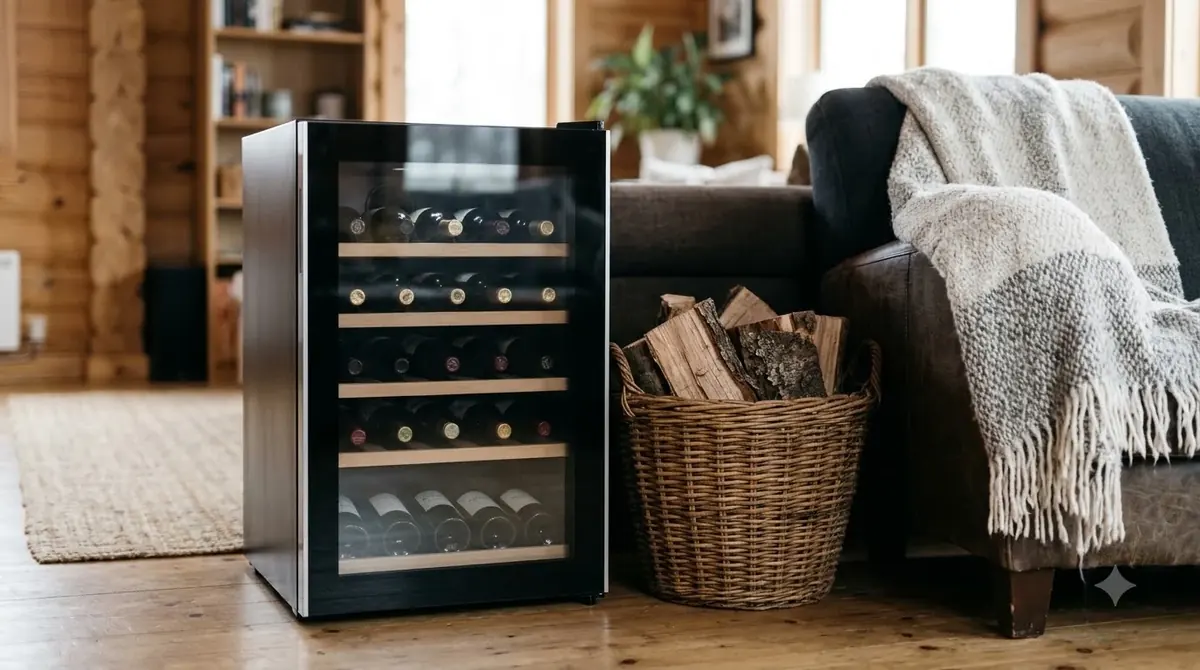
Consider the room as well. A wine refrigerator beside an oven, dishwasher, radiator, or sunny window may work harder to maintain its setpoint. A garage or outdoor kitchen has different temperature and humidity conditions from a climate-controlled kitchen. Marvel sells models for different environments, but an indoor-rated model should not be used outdoors just because it fits the space. Similar symptoms appear in other brands, too; our Allavino wine fridge not cooling and Haier wine fridge not cooling articles explain comparable checks without replacing Marvel’s model-specific instructions.
Check whether the unit is level and whether surrounding cabinetry presses against the door or ventilation area. A shifted cabinet can leave the door out of alignment, while a tight or incorrectly finished opening can cover an air path. Listen for the fan and compressor without touching internal components: a quiet interval can be normal, but a warm cabinet with no fan activity or repeated starts and stops deserves further diagnosis. Note whether sounds are absent, intermittent, unusually loud, or accompanied by vibration, and have a qualified installer address any cabinetry or built-in ventilation changes.
Inspect the Door Gasket and Bottle Arrangement
A door that does not close squarely can let warm room air enter the wine cabinet and make temperature recovery slower. Inspect the gasket, hinges, shelves, and bottle loading before assuming that a sealed-system component has failed.
Inspect the full door-seal perimeter for gaps, folds, dirt, tears, or sections that have pulled away. Clean accessible gasket surfaces with a soft cloth and mild solution only if the manual permits it, then dry them. Do not scrape the seal with a sharp tool, use household solvents, or pull it from its channel. Ask about a model-matched replacement if it is split, hardened, or uneven.
Make sure wine racks are fully seated and bottles do not project into the door opening. A misplaced rack, oversized bottle, or bottle neck caught against the frame can prevent the door from closing even when it appears almost shut. Check the upper and lower corners as well as the handle side. Review the bottle load, too: tightly packed bottles can block vents or restrict air movement between shelves, and a large restocking session can temporarily slow recovery. Leave air passages clear, keep the door closed while the temperature settles, and avoid changing several settings at once.
Understand Temperature Settings and Dual-Zone Cooling
Different Marvel wine refrigerators do not share one universal temperature control layout. Identify whether your appliance has one zone or two, and compare its behavior with the model-specific instructions before deciding that one compartment is not cooling.
Marvel lists the MRWD224 as a 24-inch dual-zone wine refrigerator, while its product-document portal covers a wider range of models and generations. The Essential Collection’s published control range is 34°F to 61°F, but that is a collection-specific specification, not a promise that every older or current Marvel wine cabinet uses the same limits. The model number is the key to finding the right setpoint range, button sequence, and installation details.
| Reference point | Published detail | How to use it |
|---|---|---|
| Essential Collection control range | 34°F–61°F | Use only for applicable Essential Collection models; confirm the range for your unit. |
| MRWD224 format | 24 inches; dual-zone | Check the upper and lower zone settings separately. |
| Essential Collection coverage | 2 years parts and labor; 6 years sealed-system parts | Confirm coverage for the precise model and serial number. |
| Marvel documentation | Model-number search | Find the matching owner’s manual and installation guide. |
On a dual-zone model, one compartment may reach its setting before the other. Compare the two displayed setpoints and the two thermometer readings separately, and note whether the problem affects both compartments or only one. If one zone remains warm while the other behaves normally, tell the service provider which zone is affected and whether the issue began after moving bottles, changing a setting, or interrupting power.
A change in setpoint does not make the cabinet reach its new temperature instantly. Give it time with the door closed and avoid several adjustments in quick succession; repeated door openings add warm air and obscure the recovery trend. Record the setting, thermometer reading, check time, and whether the cabinet was recently loaded. Do not select the coldest number to force faster cooling. If the reading remains outside the model’s expected range, check airflow and door closure before arranging service.
Clean Only the Areas Identified in Your Manual
Dust and debris around an accessible ventilation grille can reduce airflow, but not every Marvel refrigerator has the same user-accessible cleaning points. Use the owner’s manual to identify what can be cleaned without removing panels or exposing electrical or sealed-system parts.
Disconnect power before cleaning any area that the manual identifies as safe for owner maintenance. Use a soft brush or vacuum attachment on an exposed grille if the instructions permit it, and wipe the cabinet exterior with a suitable soft cloth. Keep water away from the control display, electrical connections, light assemblies, and ventilation openings. Do not spray cleaner directly onto the appliance or use abrasive pads that can damage its finish.
Do not remove the rear cover, condenser housing, fan guard, or other service panels to reach a suspected dirty coil. Some refrigerators have components that are not intended for routine owner cleaning, and access may expose wiring or parts of the refrigeration system. If the manual does not identify a component as user-serviceable, leave it in place and ask an authorized technician to inspect it.
After cleaning, restore power according to the manual and allow the cabinet to stabilize with the door closed. Recheck the thermometer and listen for normal operating sounds. If cooling improves, keep the ventilation area clear and follow the maintenance interval stated for your model. If nothing changes, do not repeat more aggressive cleaning or disassembly; move on to professional diagnosis.
Tip: Before cleaning or requesting service, photograph the model and serial number plate, the control display, and the ventilation area. Keep a short note of the setpoint and thermometer readings. Those details help match the right manual and give the service provider a clearer description without requiring you to open the appliance.
Know When a Marvel Technician Is Needed
Stop troubleshooting when the remaining possibilities involve electrical testing, the compressor, refrigerant, sensors, or sealed-system components. A refrigerator that has power but cannot cool after the basic checks needs a proper diagnosis rather than repeated resets or improvised repairs.
Arrange professional service if the cabinet temperature keeps climbing, the compressor does not appear to run, the fan makes persistent grinding or rattling noises, the unit trips a breaker, or an electrical smell is present. Unplug the appliance and seek qualified help if you notice damaged wiring, scorching, or liquid around electrical parts. Do not open the sealed system, pierce refrigerant tubing, bypass a thermostat, or attempt to recharge refrigerant. Marvel identifies R600a as a refrigerant used in its product range, and refrigerant-circuit work or compressor replacement requires trained service personnel and model-specific procedures.
Before contacting support, gather the model number, serial number, approximate installation date, and a clear symptom description. Include whether the display and interior light work, whether the fan or compressor can be heard, whether one or both zones are affected, and the thermometer readings you recorded. Mention any recent power outage, move, restocking, or installation change. Marvel’s support process begins with a serial-number lookup and offers a service locator; its service request form asks for issue details and allows customers to identify a preferred servicer. Warranty coverage can differ by component, including products with parts-only sealed-system coverage after other coverage has expired.
Use the official product-document search to find the manual, installation guide, and specifications for your exact model. Review Marvel’s product documents and model lookup before making changes. For a service request, use Marvel’s product support page to check the serial number and follow the appropriate service path. The broader Brand Troubleshooting section collects additional wine-appliance care guidance.
Frequently Asked Questions
These answers cover support and ownership questions that may come up after the first checks. Warranty eligibility and service options depend on the actual appliance and its serial-number record.
Can I request help if my Marvel wine fridge is out of warranty?
Yes. Marvel’s support instructions direct owners whose products are no longer covered to its service locator to find a local service provider. Expired coverage does not mean that troubleshooting or repair support is unavailable; it means you should confirm the applicable service terms before authorizing work.
Is proof of purchase required to submit a Marvel service request?
Marvel’s product support page states that proof of purchase is not required for a product support request. The form still provides an upload option for documents, including materials that may be useful for product registration. Keep your purchase information available because it can help clarify ownership and warranty questions.
What should I do if Marvel cannot find my serial number?
Marvel instructs customers whose serial numbers are not in its database to contact the company for assistance. Recheck the characters on the plate before submitting the number again, especially zeros, the letter O, and similar-looking characters. Do not guess at a replacement serial number.
What if my appliance has parts-only sealed-system coverage?
Marvel describes a process in which a local service provider assesses the appliance and determines whether a sealed-system part is required. If the provider identifies a covered part, Marvel directs the customer to contact the company. This is different from assuming that labor and every repair component remain covered.
Can I request support for a wine refrigerator purchased by a home builder?
Yes. Marvel’s service-request form specifically asks whether the appliance was purchased by the customer’s builder. Have the home’s installation or occupancy paperwork available if the support team asks for additional details about the original installation.
Most Marvel wine-fridge cooling complaints are best approached in order: confirm power and settings, measure the cabinet temperature, clear the approved ventilation path, and check that the door closes correctly. When those steps do not explain the problem, use the model and serial number to obtain the correct documentation and arrange qualified service rather than opening the refrigeration system.
More in Storage & Fridge Care
 How Long Can You Store Wine in a Wine Fridge? Protect Bottle QualityUpdated Nov 20, 2026
 Can You Store Beer in a Wine Fridge? Keep Both Drinks FreshUpdated Nov 20, 2026
 Is It Worth Repairing a Wine Fridge? Spot the Cheap Fixes Before You ReplaceUpdated Nov 20, 2026
 Wine Fridge Condensation: Identify Causes and Fix Moisture ProblemsUpdated Nov 20, 2026
 Wine Fridge Too Cold: Protect Your Wine and Fix the TemperatureUpdated Nov 20, 2026
 How to Reset Wine Fridge: Restore Cooling and SettingsUpdated Nov 20, 2026